Turning IoT into a Repeatable Operating System in a Brownfield Factory
DBR77 Team · Published
IoT becomes a repeatable operating system when every piece of data is wired to a specific decision, an owner and a fixed rhythm: a 10-minute daily loss review, weekly top-loss problem solving, a monthly standard update and a quarterly governance review. With that cadence, decisions become predictable and survive shift changes, new managers and staff turnover.
In plant language, an operating system is simply how the plant decides things: who looks at what, when, and what they are allowed to change. This article shows how IoT data feeds each layer, how to tell that it works, and how to keep it running when people move on.
What "operating system" means on the shop floor
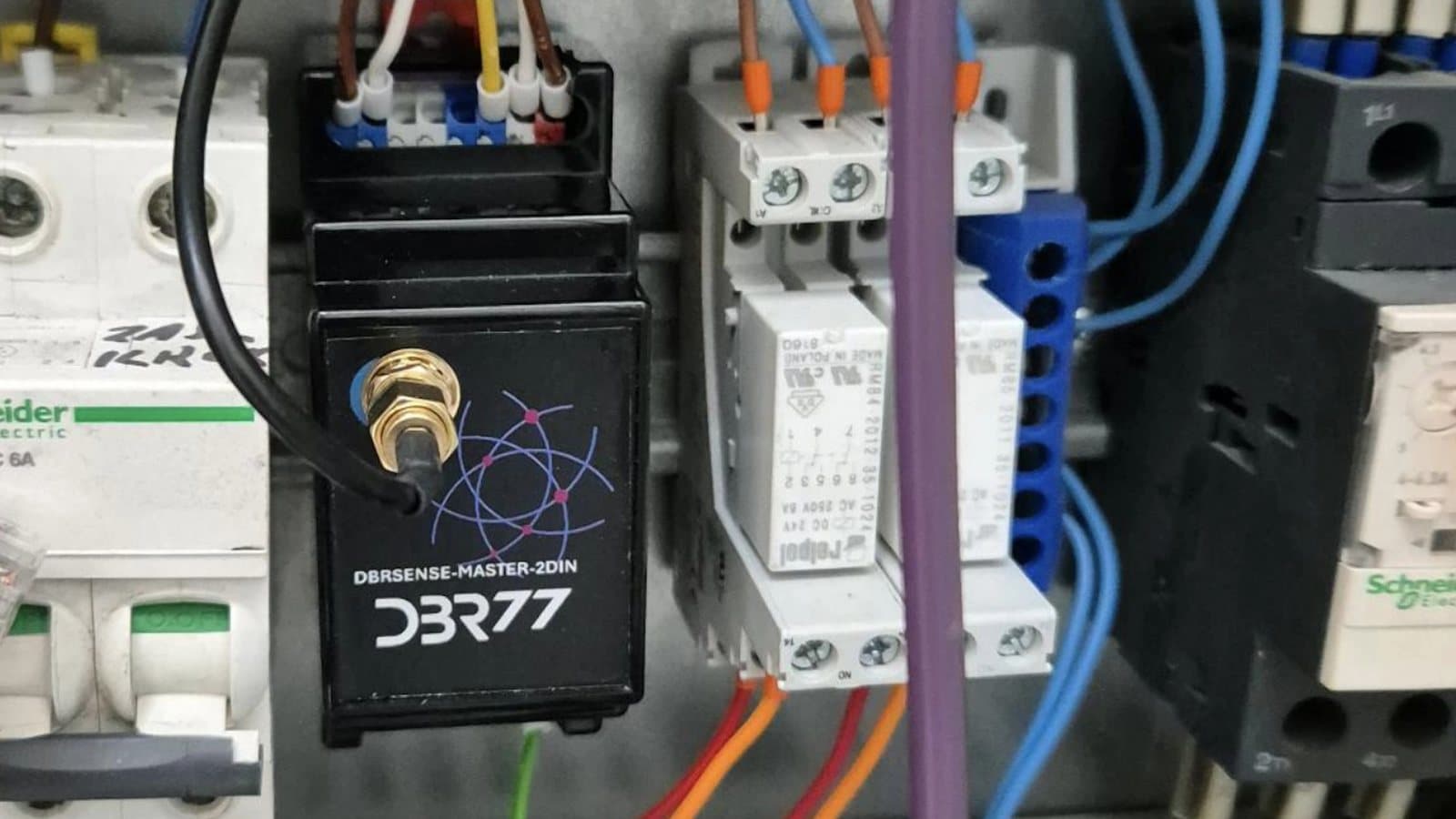
It is a calendar of meetings and a set of rules about who decides what; the software only supplies the data. In a brownfield plant, the cadence works the same for a 1990s press with a clamp-on sensor and a new robot cell read over OPC UA.
Lean practice has known this for a long time. The Lean Enterprise Institute describes standardized work as the baseline for improvement, reviewed and updated as conditions change. The PDCA cycle ends with "Act": standardize the change or start again. IoT adds reliable, time-stamped facts where most plants used to rely on memory.
At the ITM Industry Europe 2026 conference, DBR77 recorded seven talks on AI in factories (recordings, in Polish). In his wrap-up, Paweł Dera of DBR77 named the takeaway that came back in every talk. AI and data become useful only when wired to a specific decision with an owner, not to "we want to be more data-driven". In practice, a model earns its place when it shortens a supervisor's response time or tells maintenance what to look at first, because both effects can be measured.
The four layers of the cadence
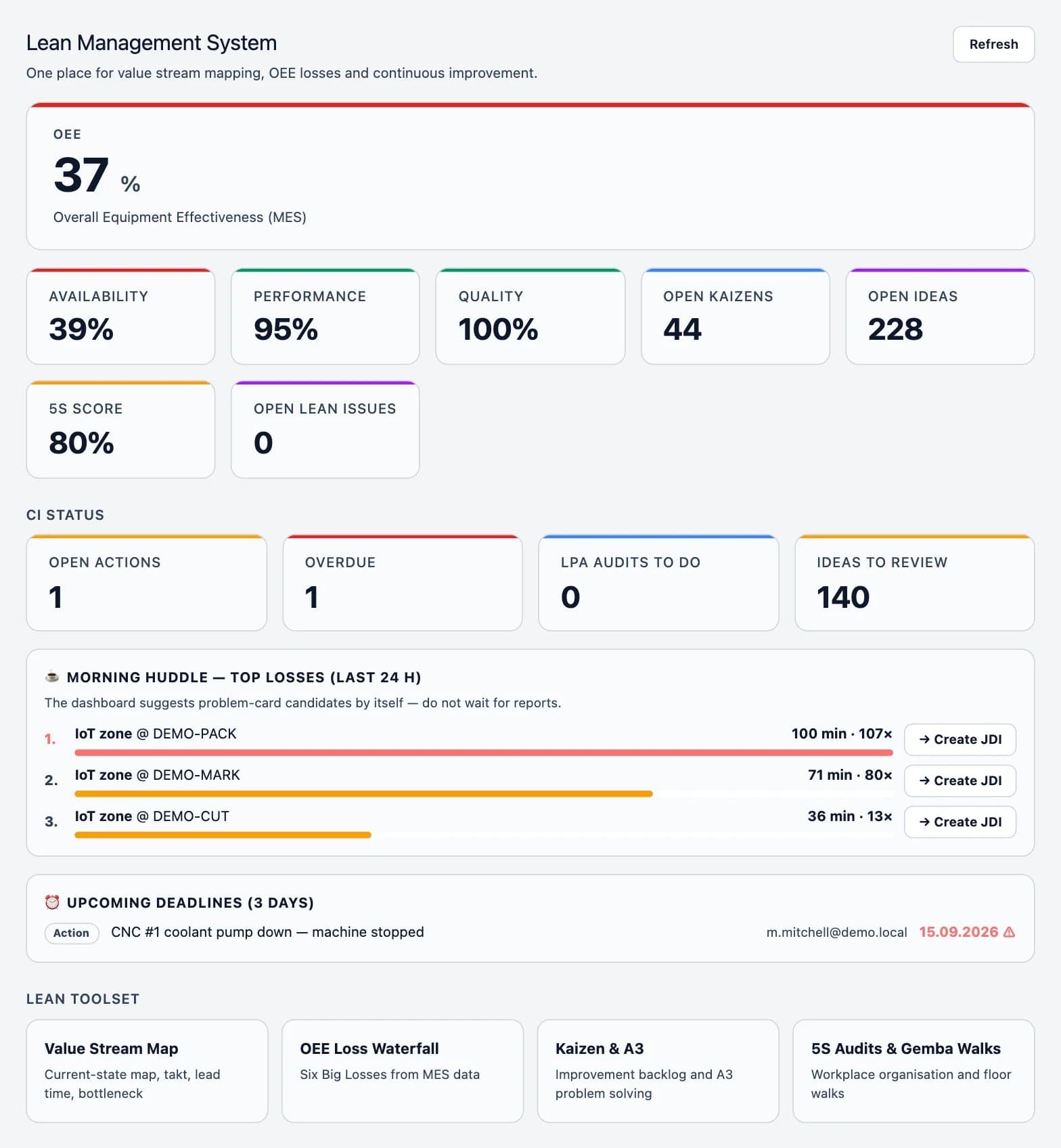
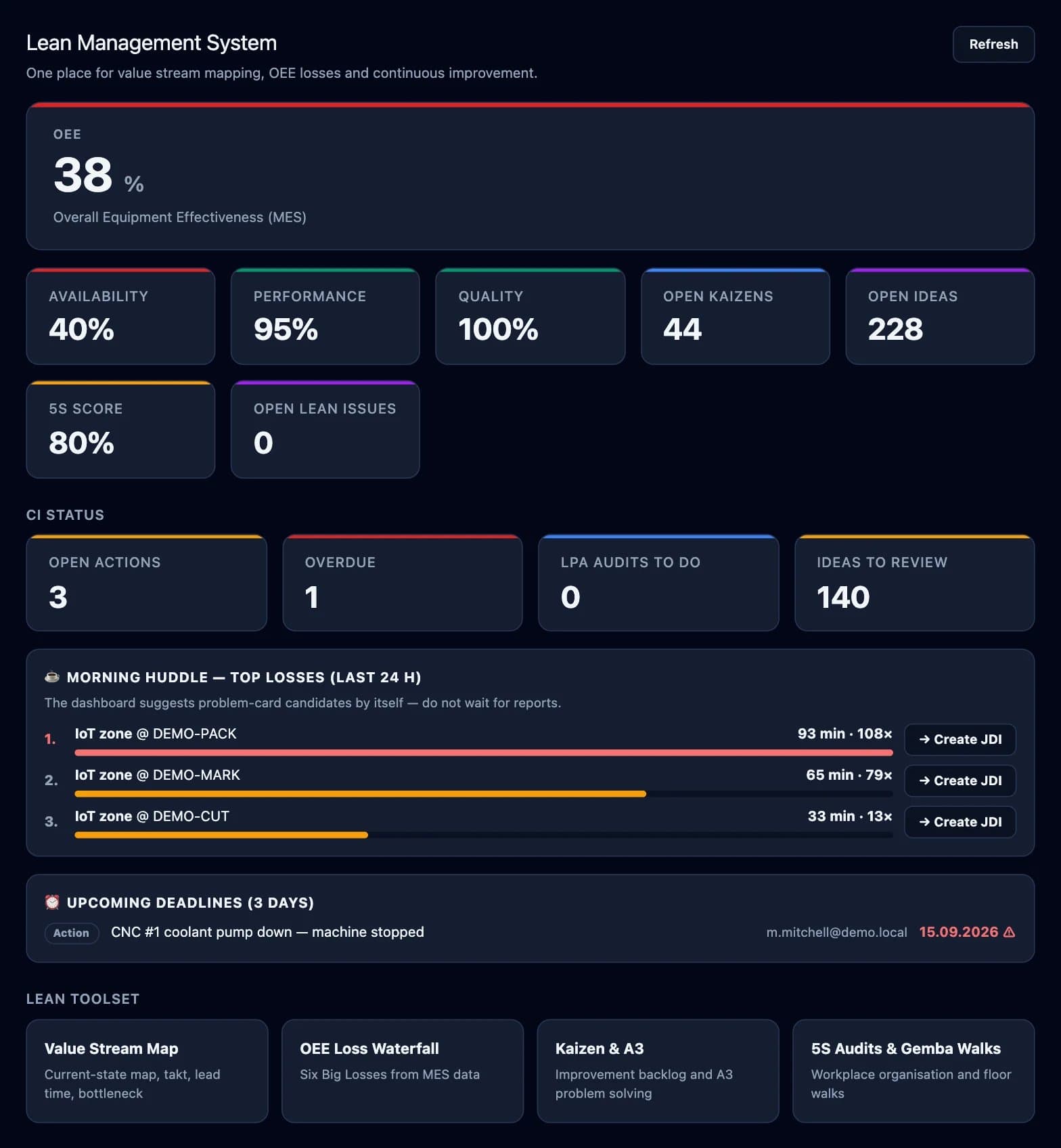
Each layer has one meeting, one set of data, one type of decision and one owner. The owner is a role, so the system keeps running when a person leaves.
| Cadence | Meeting | Data used | Decision made | Owner |
|---|---|---|---|---|
| Daily | 10-minute loss review at shift start | Top three losses of the last 24 hours by minutes, open tasks, response times | Which loss gets an action today, and who takes it | Shift leader |
| Weekly | Top-loss problem solving, 45 to 60 minutes | Downtime Pareto by reason for the week, repeat stops, repair times | Root cause and countermeasure for the top loss, with owner and date | Production manager with maintenance |
| Monthly | Standard update | Before-and-after data on countermeasures, reason list use, alert thresholds | Which countermeasure becomes a standard: work instruction, maintenance task, threshold | Plant manager or continuous improvement lead |
| Quarterly | Governance review | Data quality, definition change log, machine coverage, scorecard | Definition changes, next lines, investments | Plant manager with IT/OT and quality |
The daily layer is kept to ten minutes, and anything that needs longer goes to the weekly meeting.
How IoT data feeds each layer
Daily. Live machine status shows every stop as it happens. Operators pick the reason at the machine in about two seconds, and every alert becomes a task with an owner. By the next morning, the top three losses are already ranked by minutes, using categories such as the six big losses.
Weekly. The team looks at which stops repeat, on which machine and shift. A stop that looks random day by day often shows a weekly pattern.
Monthly. Data confirms whether a countermeasure worked. Compare four weeks before with four weeks after. If the loss fell, update the standard. If it did not, the countermeasure goes back to the weekly meeting.
Quarterly. Definitions, owners and data quality are checked, as described in IoT governance after the first year.
On one corrugated-packaging line, the daily layer alone cut average response time to stops from 24 to 9 minutes, as described in our article on reducing downtime with real-time data.
When the cadence is stable, part of the response can be automated. DBR77 IRIS describes this as closed-loop execution: AI recommends, humans approve, the system executes. Our article on moving from visibility to closed-loop response covers when that step makes sense.
Want to see the cadence on your own data?
We map your current meetings to the four layers and show which IoT data each one would use.
Signs that the operating system works
You know the cadence has taken hold when:
- the daily review starts on time without the plant manager in the room;
- no loss stays at the top of the Pareto for more than four weeks without a countermeasure;
- response time to stops holds steady or keeps falling;
- the share of downtime with no reason stays low, for example below 10%;
- standards change every month, and each change points to data;
- every supervisor can say which decision each screen supports, and screens that support none have been removed.
How it survives people changes
A good shift leader can carry a line on talent alone, but when that person leaves, results drop within weeks. With the cadence written down, the next person inherits the method along with the data.
Four practices make it stick:
- Write each meeting on one page: agenda, data, decision, owner role, time limit.
- Assign owners by role. Alerts, tasks and reason lists belong to "shift leader, line 3", so a handover moves them automatically.
- Onboard new supervisors through the meetings: two weeks in the daily and weekly reviews before they run them.
- Keep the change log. When someone asks why a threshold is 5 minutes, the answer is in the log, with the data behind it.
Where to start if one line is running
Start with the daily review on the line that already has live data. Add the weekly meeting after about four weeks, once reasons are captured consistently. The monthly standard update follows the first countermeasures, and the quarterly review once a second line is live. This is the same order as going from one pilot to a plant standard, applied to meetings.
McKinsey describes how many companies stay in "pilot purgatory". With a running cadence, each new line simply joins meetings that already exist.
FAQ
How long does it take to set up the cadence?
The daily review can start in the first week of live data. A full four-layer cadence usually takes two to three months, because the monthly and quarterly layers need results to review.
Is this different from lean daily management?
It is lean daily management, fed by machine data. Losses, reasons and response times come from time-stamped events, so discussions start from facts.
What if supervisors see the daily review as extra reporting?
Then it is too long or nothing gets decided. Keep it to ten minutes and end with one action and one owner.
Where does AI fit into this?
At the points where a decision already exists. A model that ranks what maintenance should check first, or speeds up a supervisor's response, plugs into the daily or weekly layer.
Conclusion
Most of the work is in the calendar and in naming owners by role, and one line with live data is enough to begin. The first step is a one-page description of that line's daily review (agenda, data, decision, owner role and the ten-minute limit), run by the shift leader at the next shift start.
Build the cadence with us
Talk to us about turning your first connected line into a rhythm the whole plant can repeat.
Sources
- DBR77, ITM Industry Europe 2026 conference recordings (in Polish), 2026
- Lean Enterprise Institute, Standardized Work
- Lean Enterprise Institute, PDCA
- Vorne, The Six Big Losses
- McKinsey & Company, IoT value set to accelerate through 2030: Where and how to capture it, 2021
- DBR77, IRIS
- DBR77 IIoT pilot data, corrugated-packaging line (client anonymous), 2026