Operator app: machine status and stop reasons at the machine
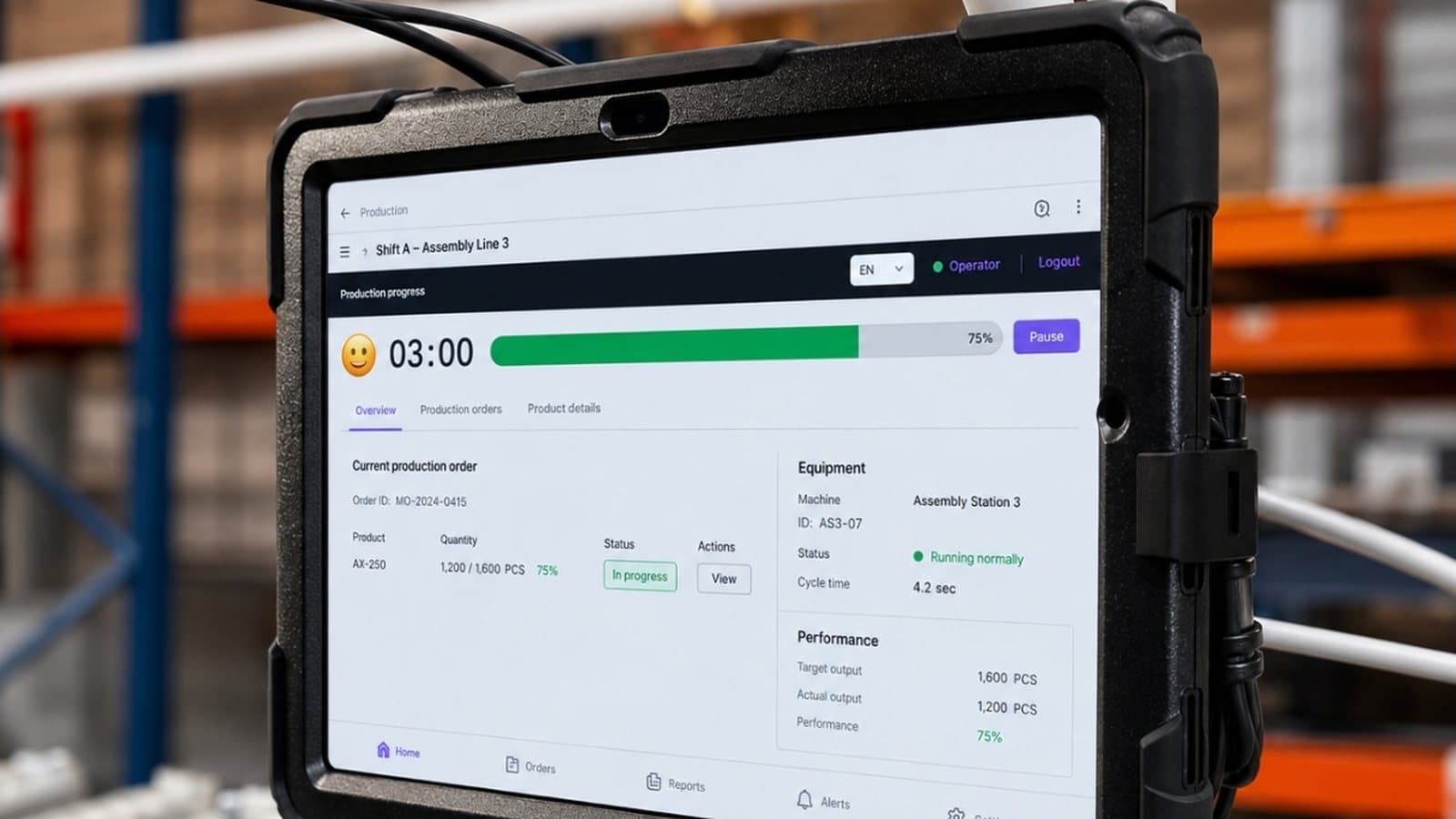
Operators see machine status and their open tasks on a tablet or phone, select the reason for a stop in about two seconds and call maintenance or the shift leader from the same screen. Stop reasons are no longer rebuilt from memory at the end of the shift.
- Live status of every machine
- The stop reason picked at the machine
- Every alert a task with an owner
One corrugated packaging line
Data from one pilot in a European plant. Client name anonymised; results differ from plant to plant.
Read the pilot storyWhat the operator app does
Operators need more than a dashboard. The app combines live machine status, structured input at the stop and a fast route to the person who can fix the problem.
Shift context
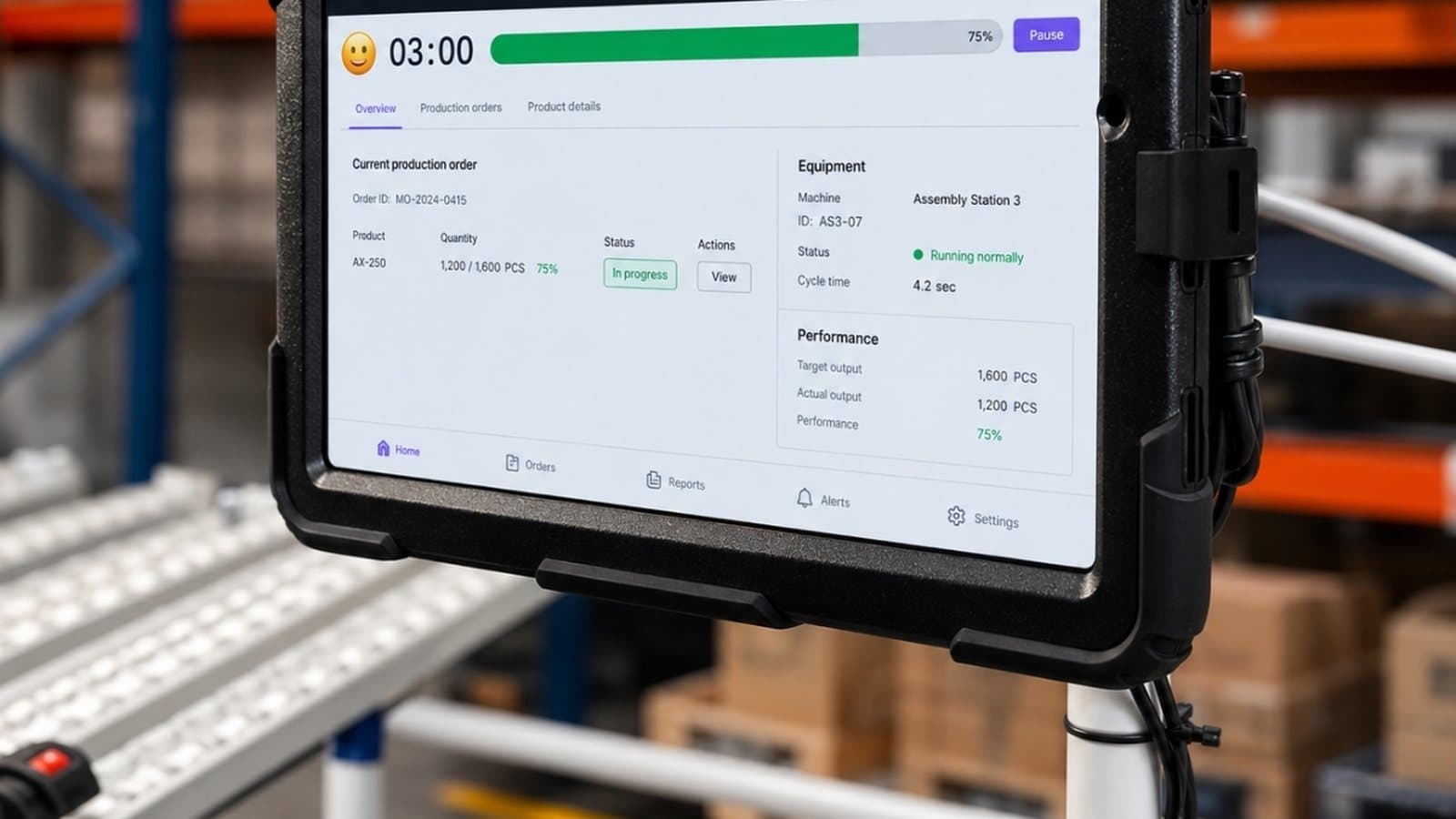
Operators see the state of their machines and the progress of the shift against its target.
Live machine status
The screen shows whether each machine is running, idle, in setup or stopped, how long the current stop has lasted and how output compares with the shift target.
Stop reasons at the machine
When a machine stops, the operator picks the reason from a short list on the tablet next to it, in about two seconds, while the cause is still obvious.
Escalation without leaving the line
Every alert becomes a task with an owner on the current shift. If nobody acknowledges it in time, it goes to the shift leader. Acknowledgement and closing are time-stamped.
The operator screen on one line
Click a point on the drawing or an item in the list.
Work orders and quality reports come from IRIS
DBR77 IIoT runs in the IRIS portal. Plants that also use the IRIS MES and QMS modules see the current and next work order with planned quantities, and report defects and scrap against the order, in the same operator view.
Go to IRISCommon questions about the operator app
What does the operator see?
How does the operator record a stop reason?
What happens when nobody reacts to an alert?
Where do work orders and quality reports come from?
Does it work on phones, and who sees what?
Is there a record of who did what?
How do we start?
Three ways to take the first step
Online demo
The DBR77 IIoT panel on sample data: machine states, OEE, alarms and energy.
See the demoPilot
1–3 workstations or one line, on your own data. It ends with a report and a recommendation for the next step.
Plan a pilotDowntime cost calculator
Work out what unplanned downtime costs you per year and how much a smaller share of it is worth.
CalculateRelated parts of DBR77 IIoT
Status Deck
The operator records why the machine stopped, in about two seconds.
Learn more SoftwareAlarms and escalation
Rules, escalation and on-call schedules that reach the right person.
Learn more SoftwareMachine monitoring and OEE
State, OEE and history of every machine on one screen.
Learn moreFrom the knowledge base
Browse all articles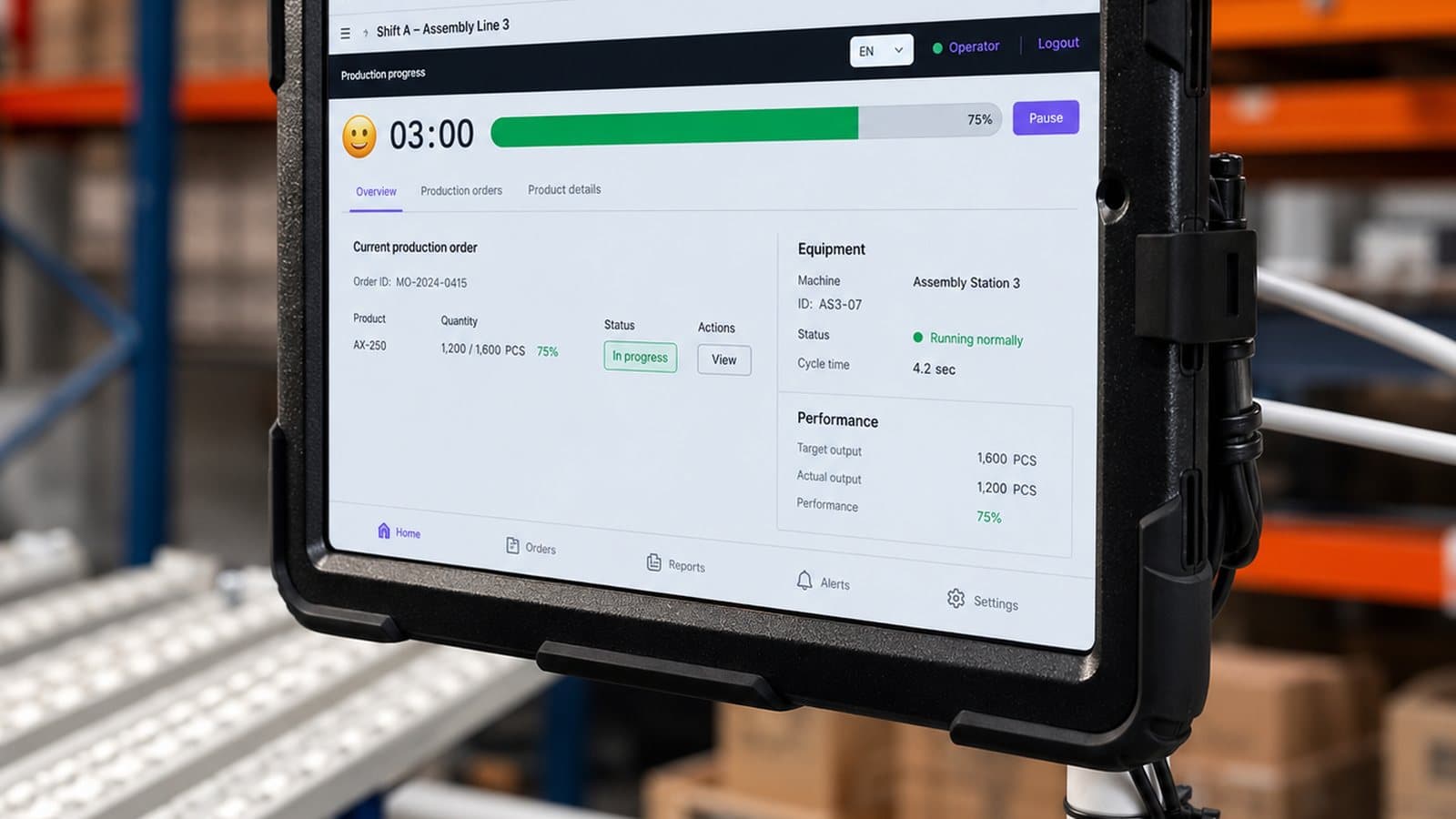
Start with the operator screen on one line.
When operators see machine status, record the real reason for each stop and call for help from the same screen, response times can be measured from the first week.