Know why the machine stopped.While the shift is still on.
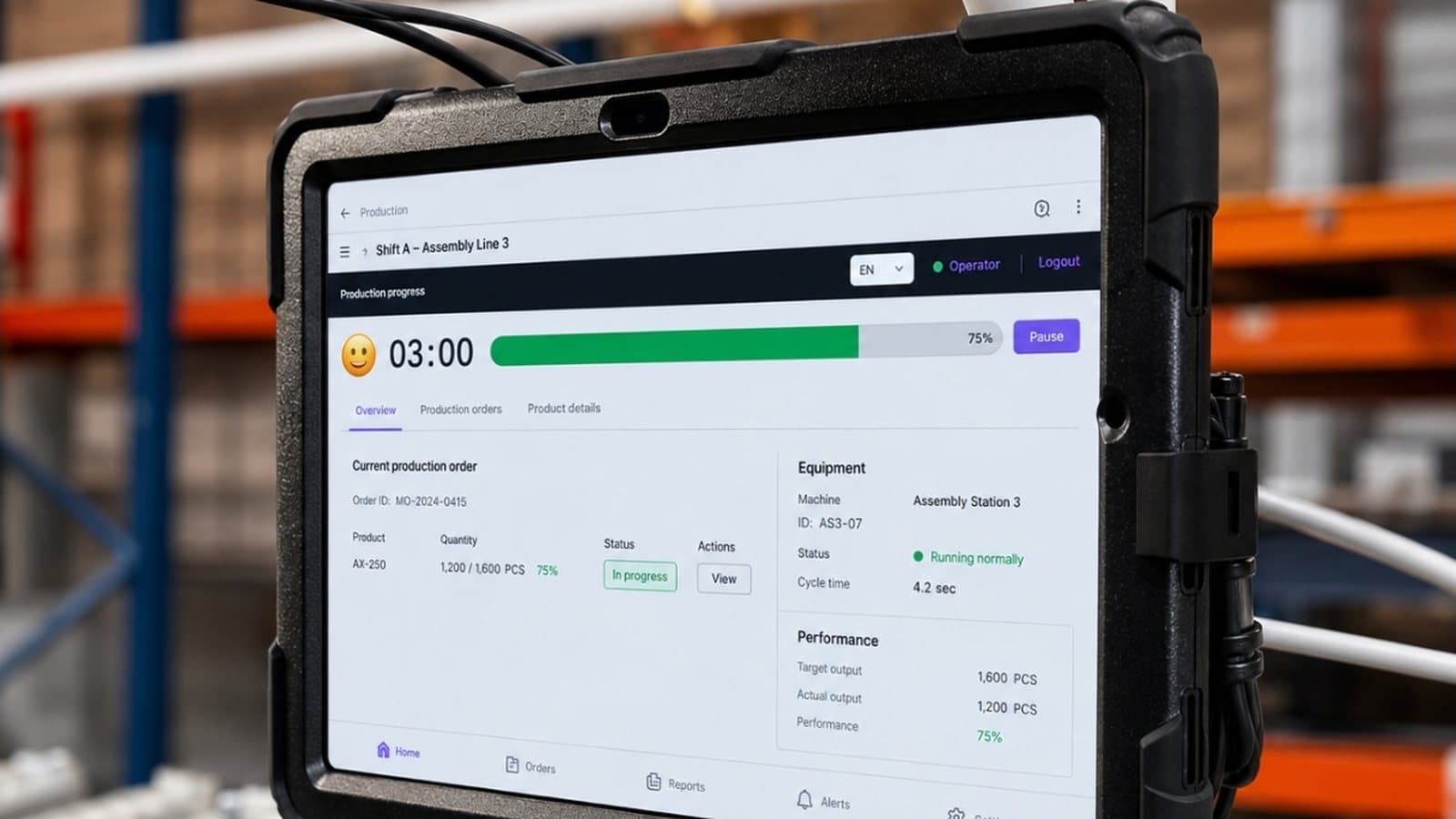
Status Deck at the workstation, the MasterHub gateway in the control cabinet and the DBR77 IIoT panel. You see stop reasons, OEE and alarms as they happen, on machines without a PLC too.
Choose where you want to start
One corrugated packaging line
Data from one pilot in a European plant. Client name anonymised; results differ from plant to plant.
Read the pilot storyWhat slips through between shifts
A stop logged as “other”
The machine stops, the operator logs “other” and someone checks a spreadsheet after the shift. The cause never reaches the person who could fix it.
Last week's report
Last week's report does not help this morning. SCADA collects data, but it does not escalate or assign tasks.
Older machines left out
Machines without a controller usually drop out of the project. Status Deck and MasterHub cover them with no change to the control logic.
Which machine has been down the longest?
The panel sorts machines by downtime and shows the reason recorded at the workstation. Click a machine in the list or on the floor plan.
Hardware and software from one vendor
Start with the simplest data source and add more without replacing your infrastructure.
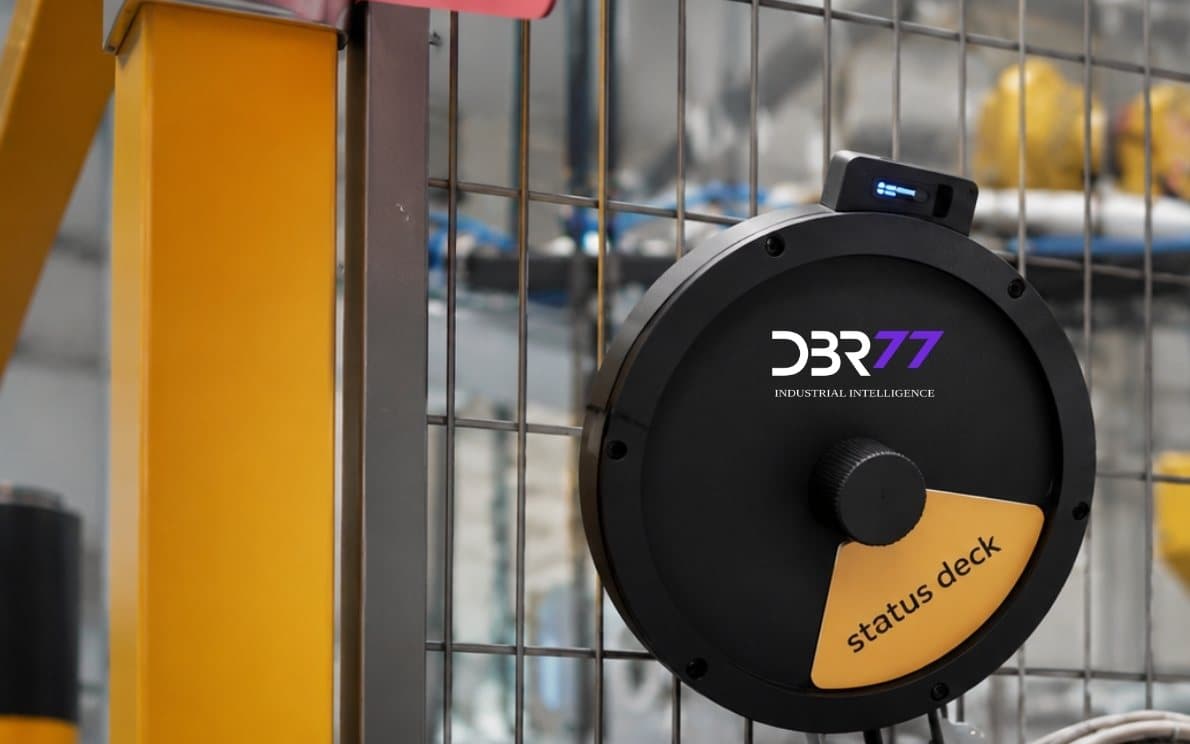
The stop reason, recorded at the machine
A small device at the workstation. The operator sets the state in about two seconds, so every stop gets a reason while people still remember what happened.
- Running, break, changeover, breakdown
- No PLC and no change to the machine
- Mounts at the workstation or on the safety fence
What we install, and where
A pilot starts with 1–3 workstations or one line. Click a point on the drawing or an item in the list.
KNOWLEDGE BASE
Discover our expertise
Practitioner articles on IIoT adoption in brownfield manufacturing, from first pilot to plant-wide standard.
How to Reduce Downtime with Real-Time Data
Real-time data reduces downtime when it shortens the time between a machine stopping and the right person acting on it.
Read article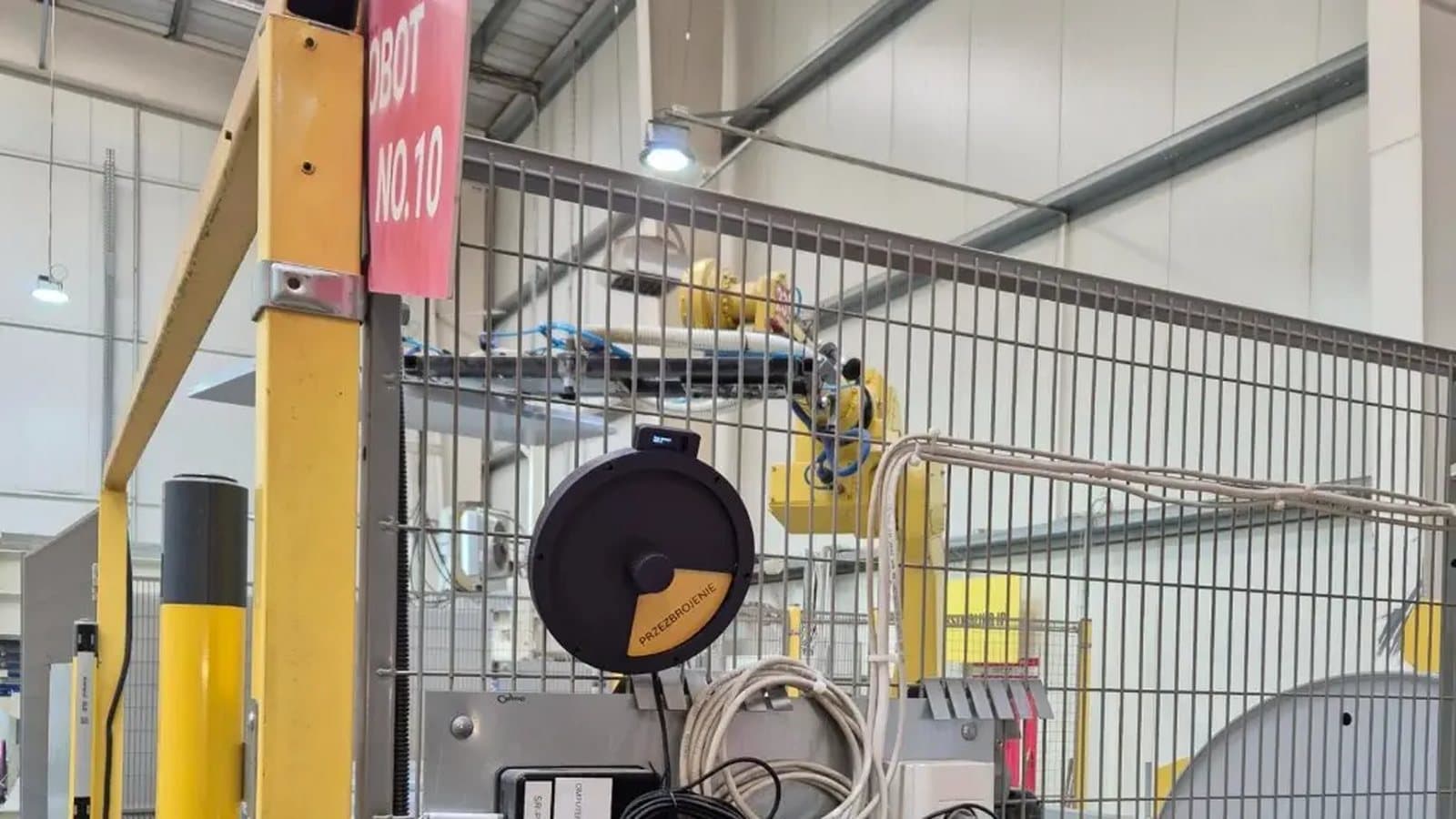
How to Choose the First IoT Use Case in Your Plant
The right first IoT use case is a loss that repeats every week, can be measured today, has one owner and can be acted on within a shift.
Read article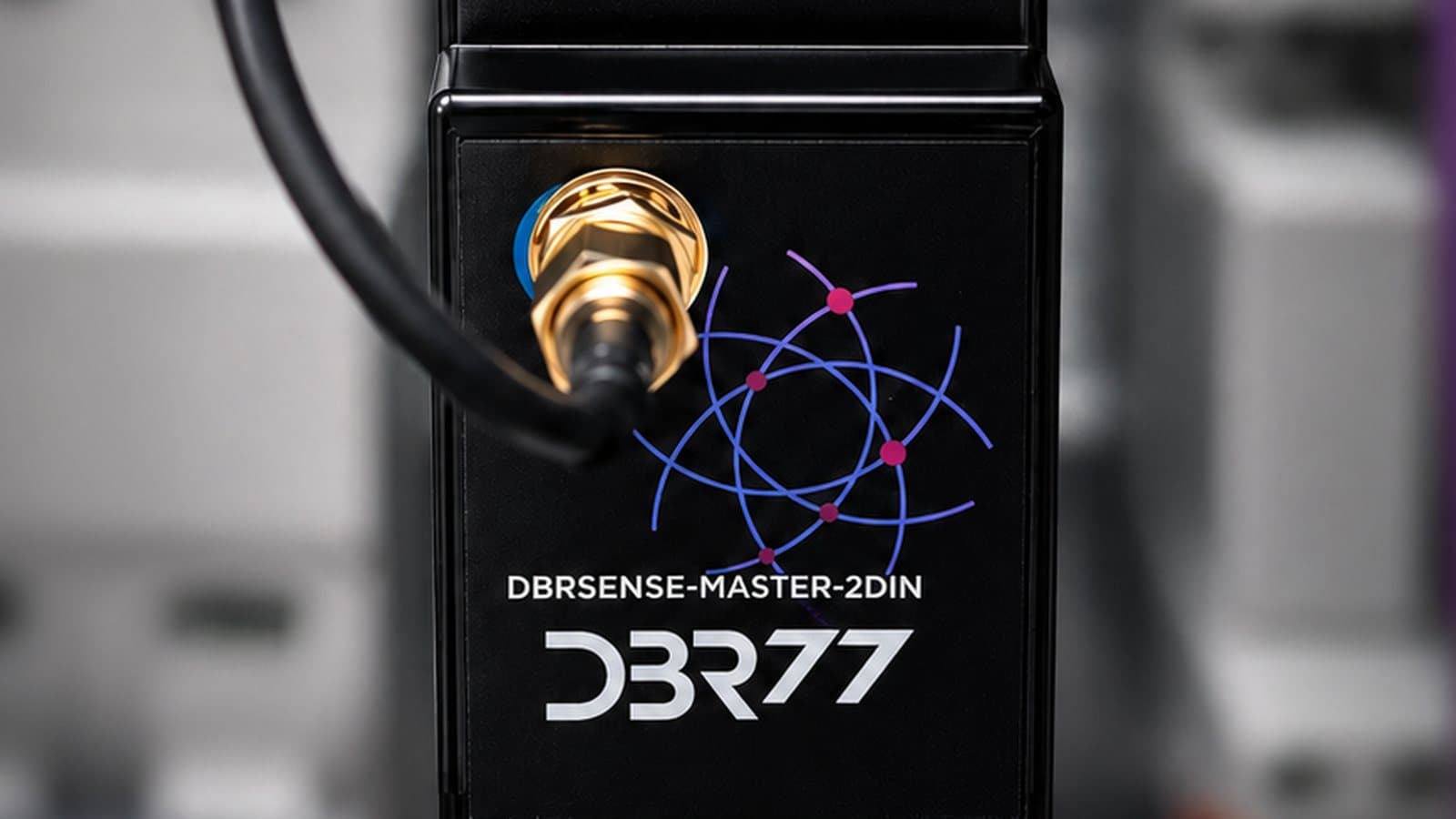
IoT Governance After Year One
After the first year, IoT governance comes down to four things: a named owner for every signal and definition, a retention rule for each type of data, a traceable link from machine events to batches and orders, and access rules an auditor can check.
Read articleFree resources on IIoT strategy, deployment, and operations
Three ways to take the first step
Online demo
The DBR77 IIoT panel on sample data: machine states, OEE, alarms and energy.
See the demoPilot
1–3 workstations or one line, on your own data. It ends with a report and a recommendation for the next step.
Plan a pilotDowntime cost calculator
Work out what unplanned downtime costs you per year and how much a smaller share of it is worth.
CalculateSee your shop floor in numbers
Book a demo or plan a pilot on one line.