Using Machine Data in Shift Handover Without More Reporting
DBR77 Team · Published
Machine data improves shift handover when it replaces the notes people write at the end of a shift, not when it adds a new report on top. A good handover covers four things: the top losses of the shift, open tasks with owners, machines in an abnormal state and safety items, and live data can supply most of them before anyone writes a word.
In German-speaking plants the same routine is the Schichtübergabe; the principles do not change.
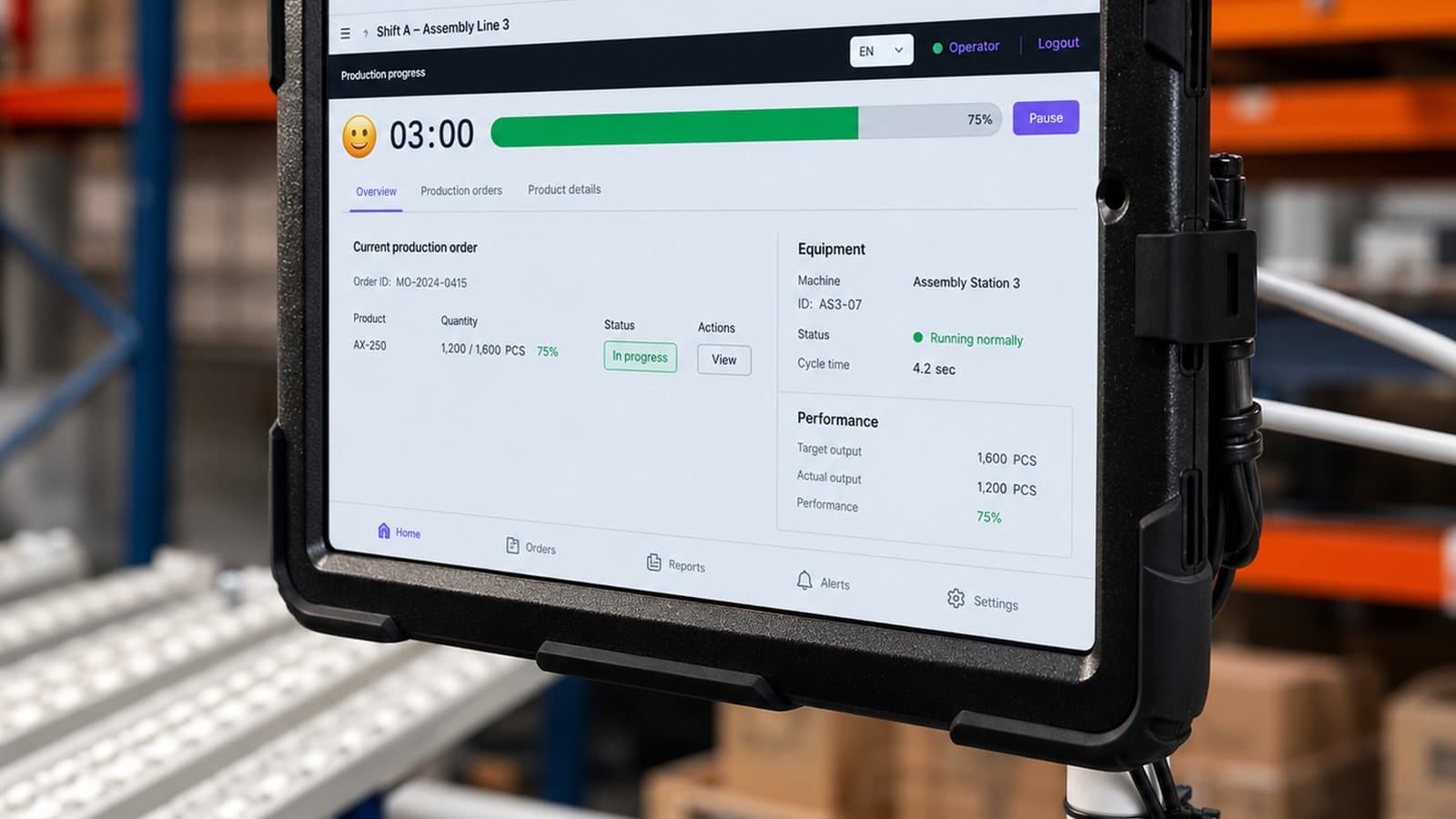
Why shift handovers go wrong
Handover is where information gets lost between people. The UK Health and Safety Executive states that many accidents have occurred because of failure of communication at shift handover, and names it as one contributing factor at Piper Alpha.
An HSE literature review by Ronny Lardner found typical failure patterns (OTO 96 003):
- over-reliance on one-way written notes that were misread or never read;
- information that was not carried from one shift log to the next;
- maintenance work that continued across a shift change;
- incoming and outgoing staff with different pictures of plant status.
In production the usual cost is lost minutes. A jam the night shift fought for three hours repeats in the morning, because the morning shift never heard about it. A machine running at reduced speed stays that way, because nobody mentioned it.
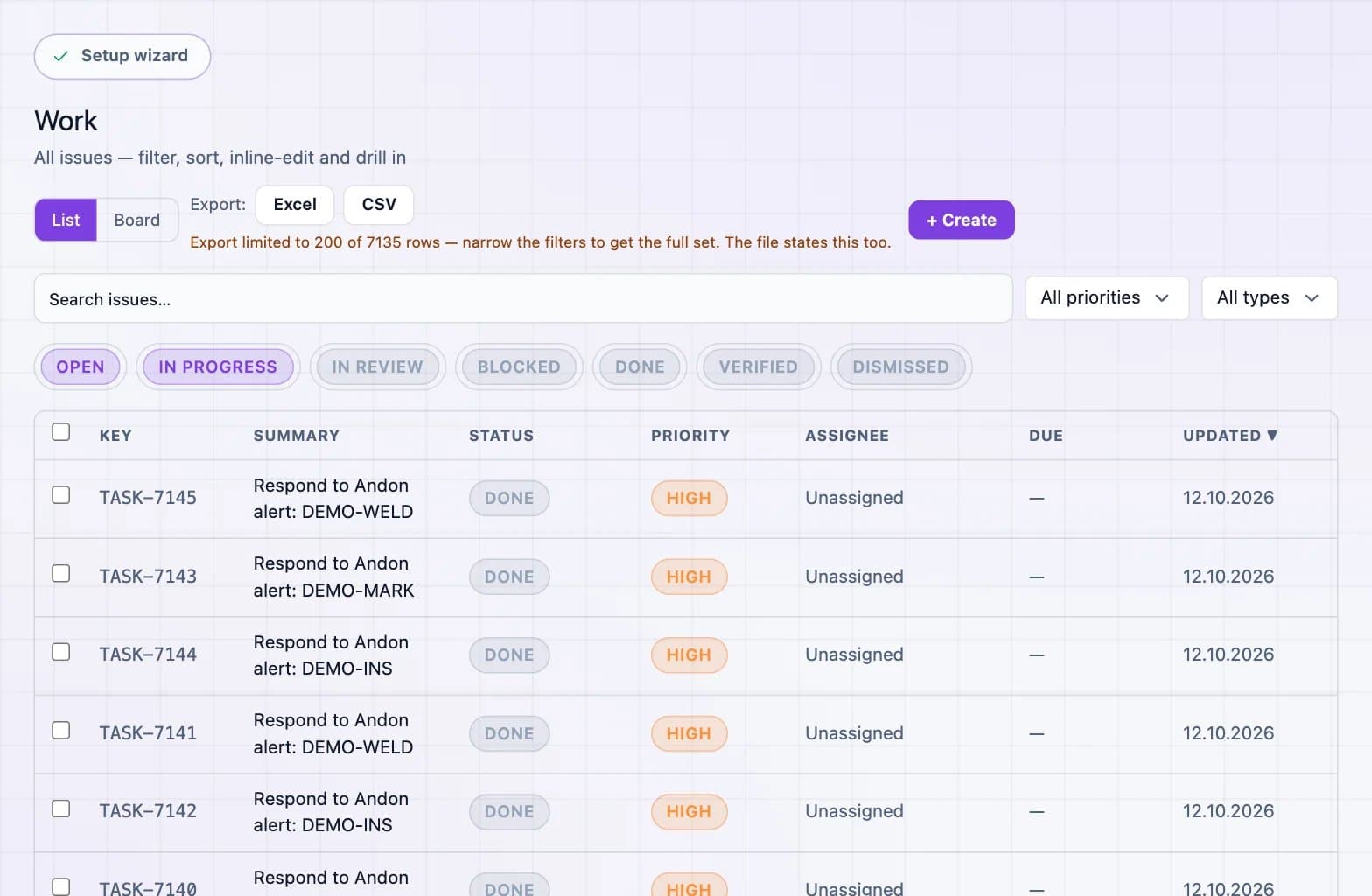
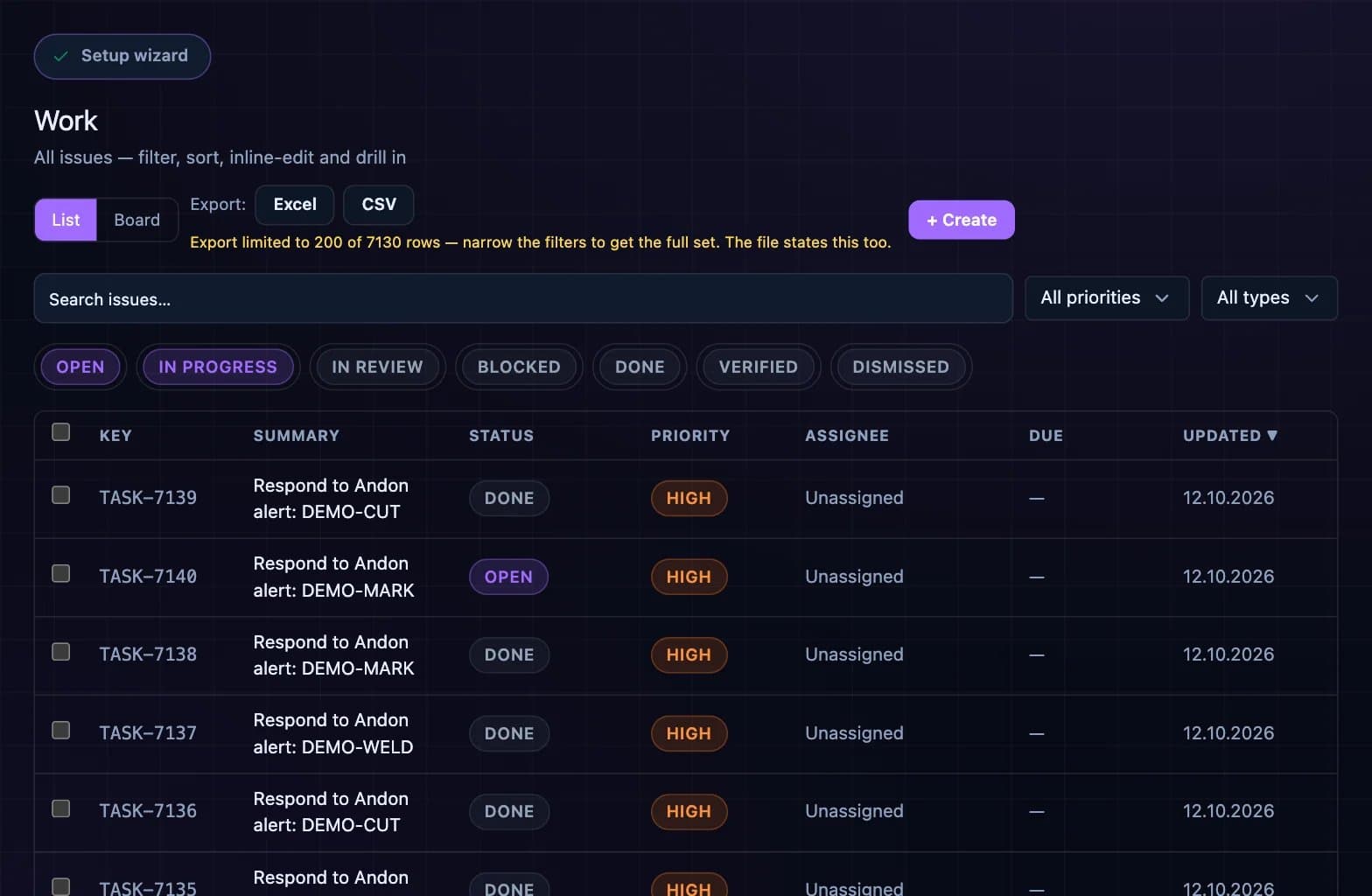
What a handover needs to cover
HSE advises that handover content should be based on an analysis of the information needs of incoming staff. On most production lines, those needs fit four items:
- Top losses of the shift. The three biggest losses by minutes, with reasons.
- Open tasks and owners. What is unfinished, who owns it and what happens next.
- Machines in an abnormal state. Anything running slow, on a workaround or waiting for a part.
- Safety items. Near-misses, open permits, guards removed for maintenance.
Structured logs follow the same logic. A Keil Centre scheme made "safety", "maintenance & technical problems" and "work outstanding" mandatory categories in every log.
See a shift view built from live data
In a 30-minute demo we show how DBR77 IIoT prepares top losses, open tasks and machine states for the next shift automatically.
A 10-minute handover agenda driven by live data
The system already has the shift's events, so nobody needs to spend the last half hour writing them up, and the meeting can focus on what the system cannot know.
| Handover item | Data source | Who presents |
|---|---|---|
| Top three losses by minutes | Downtime Pareto from machine states and operator reasons | Outgoing shift leader |
| Output against plan | Live counts and OEE per line | Outgoing shift leader |
| Open tasks and owners | Alerts converted to tasks, with status | Owner of each task, or maintenance |
| Machines in an abnormal state | Current machine states, reduced speed, active workarounds | Operator of the machine concerned |
| Safety items | Near-miss log, open permits | Outgoing shift leader |
| Questions and confirmation | None: conversation | Incoming shift leader |
Run it at the line screen, face to face, in a fixed order:
- Minutes 0 to 3: output against plan and the top three losses. Show the Pareto; do not retell the whole shift.
- Minutes 3 to 6: open tasks. Each owner states the status in one sentence.
- Minutes 6 to 8: machines in an abnormal state and safety items.
- Minutes 8 to 10: the incoming shift leader asks questions and repeats back the top priorities.
HSE describes effective handover as two-way, with cross-checking by incoming personnel as they take over. A repeat-back takes a minute and catches misunderstandings while both people are still in the room.
The principle is close to the andon in the Toyota Production System: an abnormality lights up for everyone, so nobody has to remember it.
Keep signal and reason definitions the same on every shift
Data only helps handover if every shift means the same thing by the same word. If the night shift logs a material wait as "other" and the day shift logs it as "waiting for material", the Pareto splits one loss into two.
For example, on a typical three-shift line, "minor stop" might mean under two minutes for one shift leader and under five for another (illustrative example). Both read the same screen and draw different conclusions.
Fix this once, centrally:
- one reason list per machine type, owned by one person;
- written definitions for "stop", "minor stop", "reduced speed" and "planned downtime";
- changes to the list announced at handover, on all shifts;
- a monthly check of "other" and of reasons that one shift never uses.
Our article on why machine data is useless without context covers the context fields that make reasons comparable. If one shift rejects the data, see what to do when operators do not trust IoT signals yet.
What manual reporting to stop
Once machine states and reasons are captured at the stop, several reports become duplicates. Typical candidates are the handwritten downtime sheet at each machine, the end-of-shift Excel file, manual piece counts the machine already reports and the next-morning OEE recalculation.
Keep a short written note for what the system cannot see: a verbal agreement with logistics, a quality concern, an operator who left early. HSE recommends both verbal and written communication. With live data, the written part becomes the system log plus two or three lines of notes.
Stop reports one at a time, after the data has run in parallel for two weeks and the shift leaders agree it is right. Removing a report people still rely on creates a shadow spreadsheet.
How to start on one line
Pick one line with two or three shifts and a shift leader who wants a shorter handover. Measure two things for two weeks before and after: how long the handover takes and how often the incoming shift is surprised by a problem the outgoing shift knew about.
The DBR77 IIoT operator app gives operators reason capture at the machine, so the handover screen is filled during the shift. A known problem passed on in time gets a faster response; our article on reducing downtime with real-time data shows why response time moves first.
FAQ
How long should a shift handover take?
On a single line, about 10 minutes is enough when the data is prepared automatically. Handovers after a long absence, during maintenance that spans shifts or during abnormal operation carry higher risk and need more time.
Should the handover be written or verbal?
Both. HSE guidance recommends face-to-face handover supported by written records. With live data, the written record comes mostly from the system.
What if the outgoing shift leader is not available?
Then the incoming leader reviews the shift view alone and calls the outgoing leader for open safety items. Plan this case in advance.
Who owns the reason list across shifts?
One person, usually the line owner or a production engineer. Shift leaders propose changes, and each change is announced at handover so every shift starts using it on the same day.
Conclusion
By the end of a shift most of the handover content is already in the system, so the real work is agreeing on definitions and retiring duplicate reports. Run the 10-minute agenda at the line screen next to the old reports for two weeks. Once the shift leaders agree the data is right, stop the first manual report and keep counting how often the incoming shift is surprised by a problem the outgoing shift knew about.
Try a data-driven handover on one line
Book a 30-minute demo and we will show the shift view, task owners and reason lists on a line like yours.
Sources
- UK Health and Safety Executive, Shift handover, 2024
- R. Lardner for HSE, Effective Shift Handover: A Literature Review (OTO 96 003), 1996
- The Keil Centre (R. Lardner), Safe Communication at Shift Handover: Setting and Implementing Standards, 1999
- UK Health and Safety Executive (adapted from The Keil Centre), Improving Communication at Shift Handover, 2006
- Vorne, The Six Big Losses
- Toyota Motor Corporation, Toyota Production System