Data Bridge: connect the data sources you already have
Data Bridge is the part of DBR77 IIoT that talks to hardware. It connects to MQTT brokers, turns broker topics into named readings with units and registers each device with its own certificate. The readings then go to monitoring, history and alarms.
WHAT IT DOES
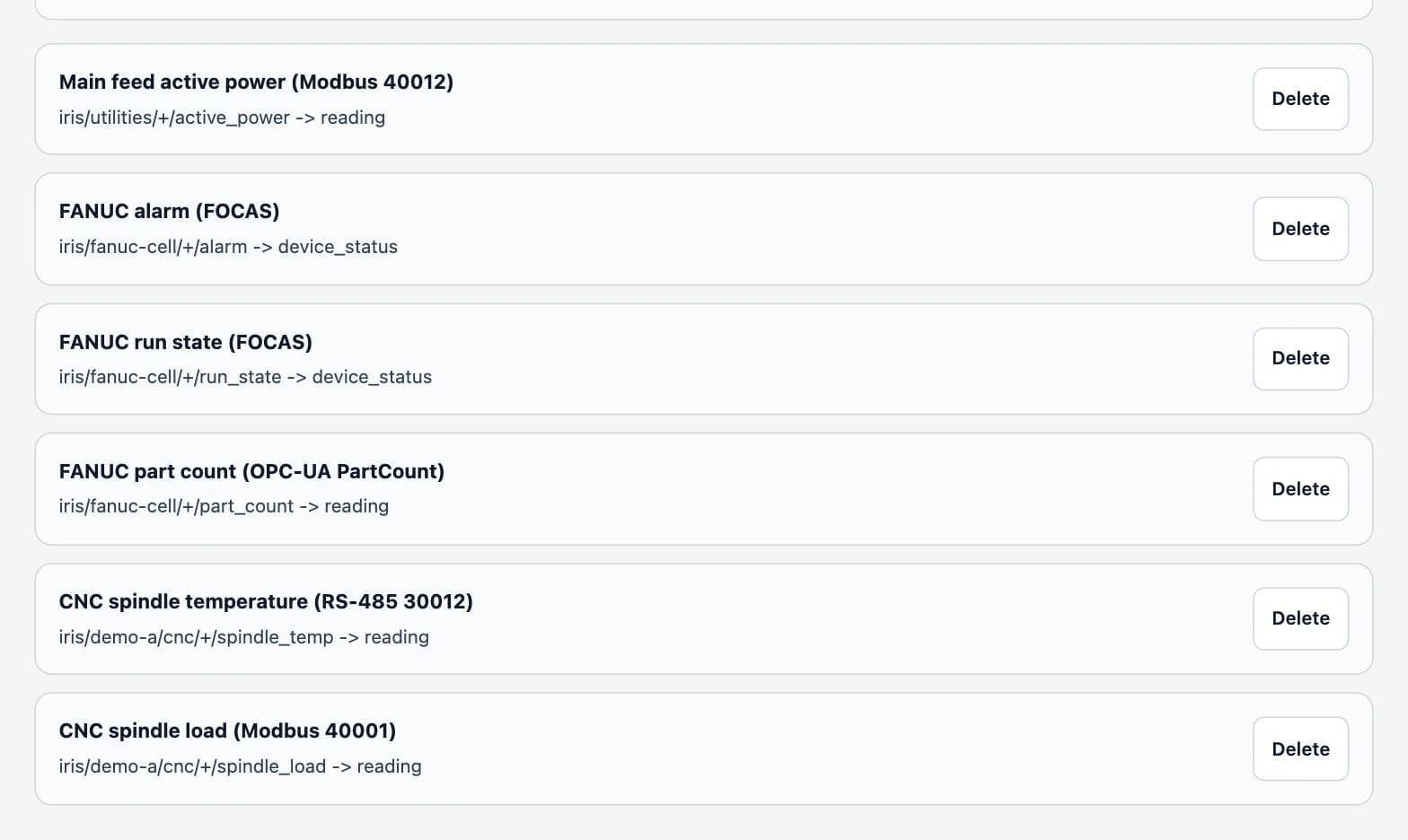
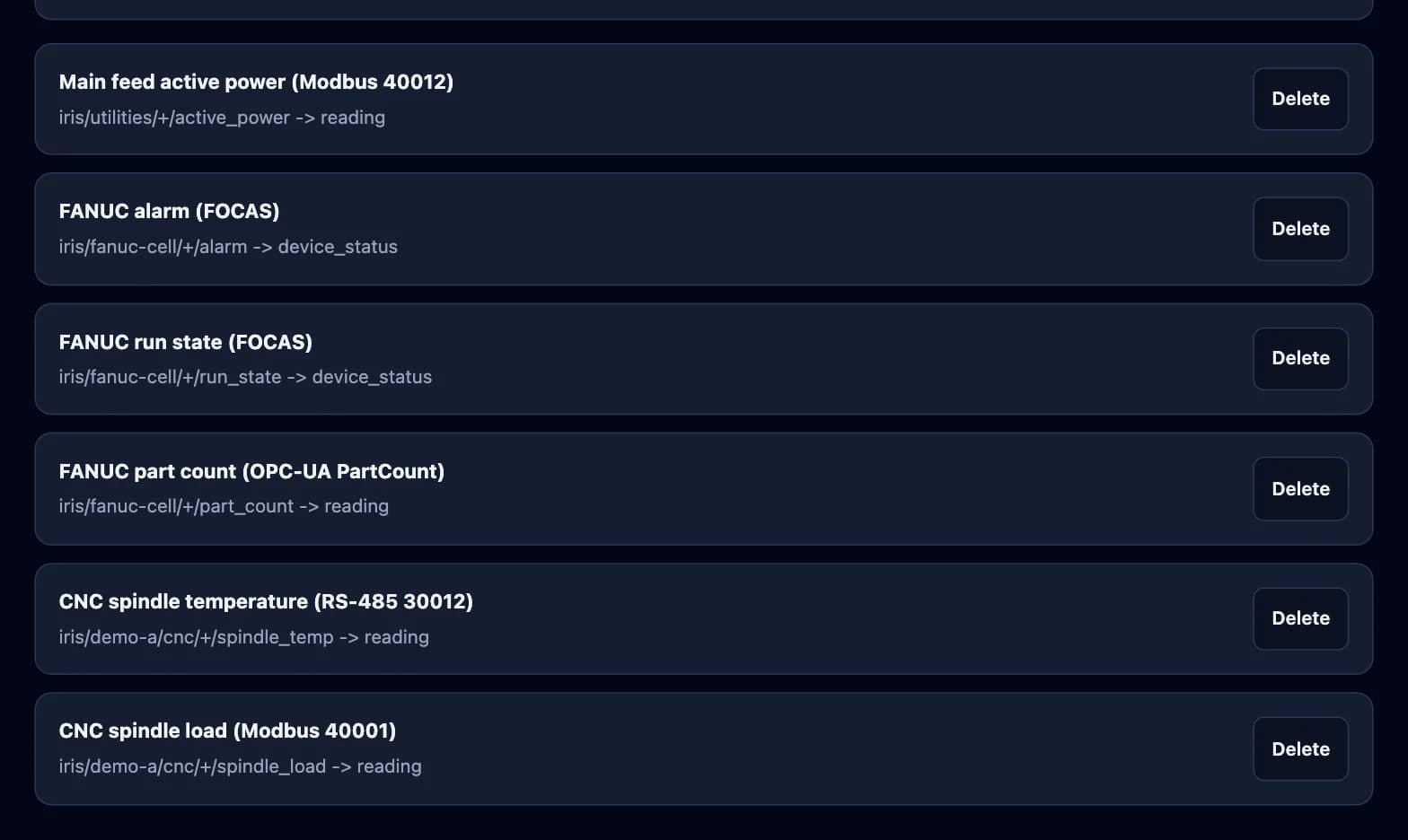
From a broker topic to a reading with a name
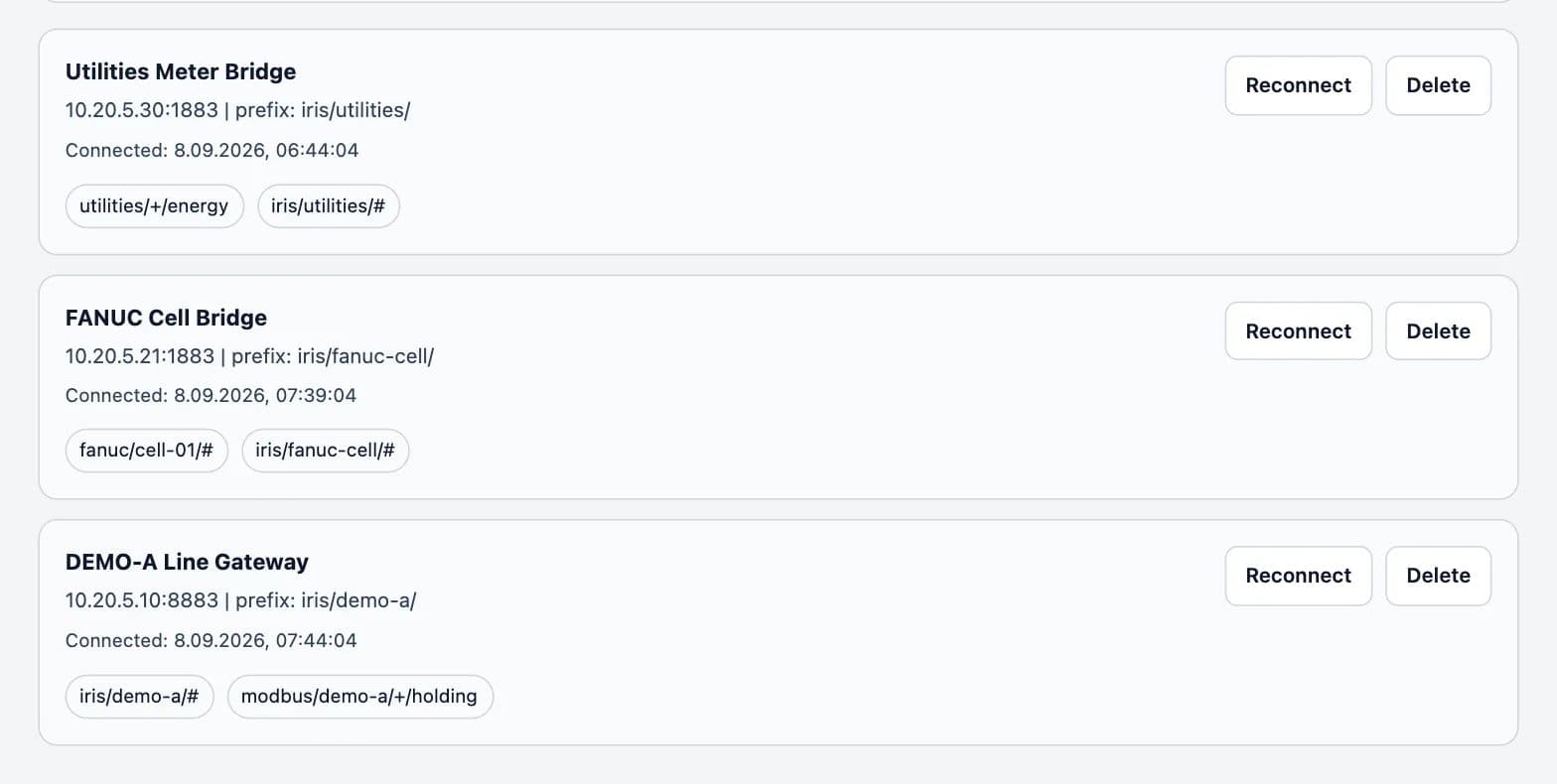
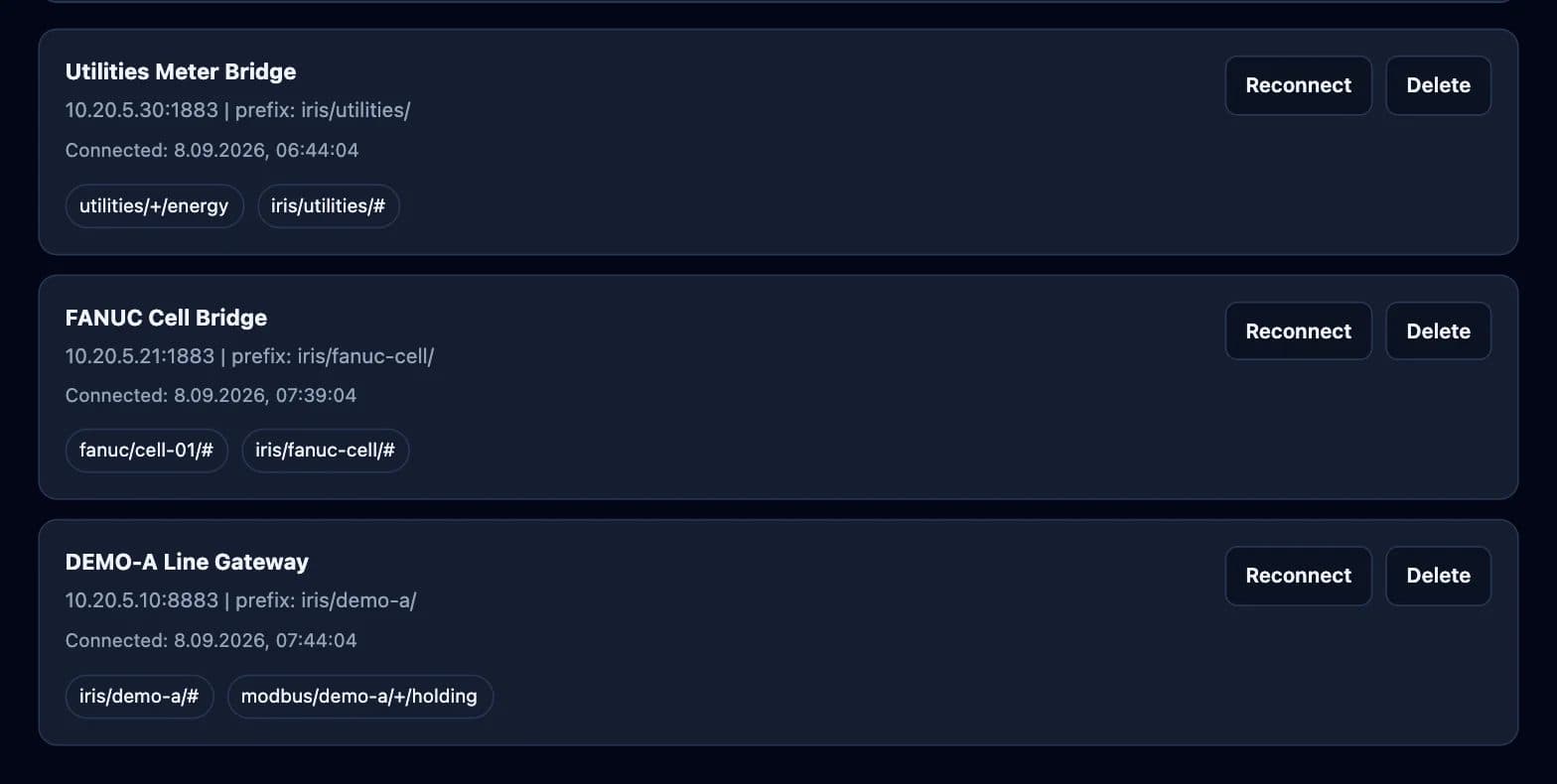
Bridges to your MQTT brokers
Add an existing broker with its host, port and topic prefix, with TLS if the broker uses it. Gateways, PLC adapters and meters that already publish MQTT stay as they are.
Topics become readings
A mapping says which topic belongs to which device and signal, with its name and unit. A preview shows how a sample message will be read before the mapping goes live.
Device profiles
A profile describes the topics a type of device publishes. Applying it to a bridge creates the mappings for every device of that type.
A certificate for every device
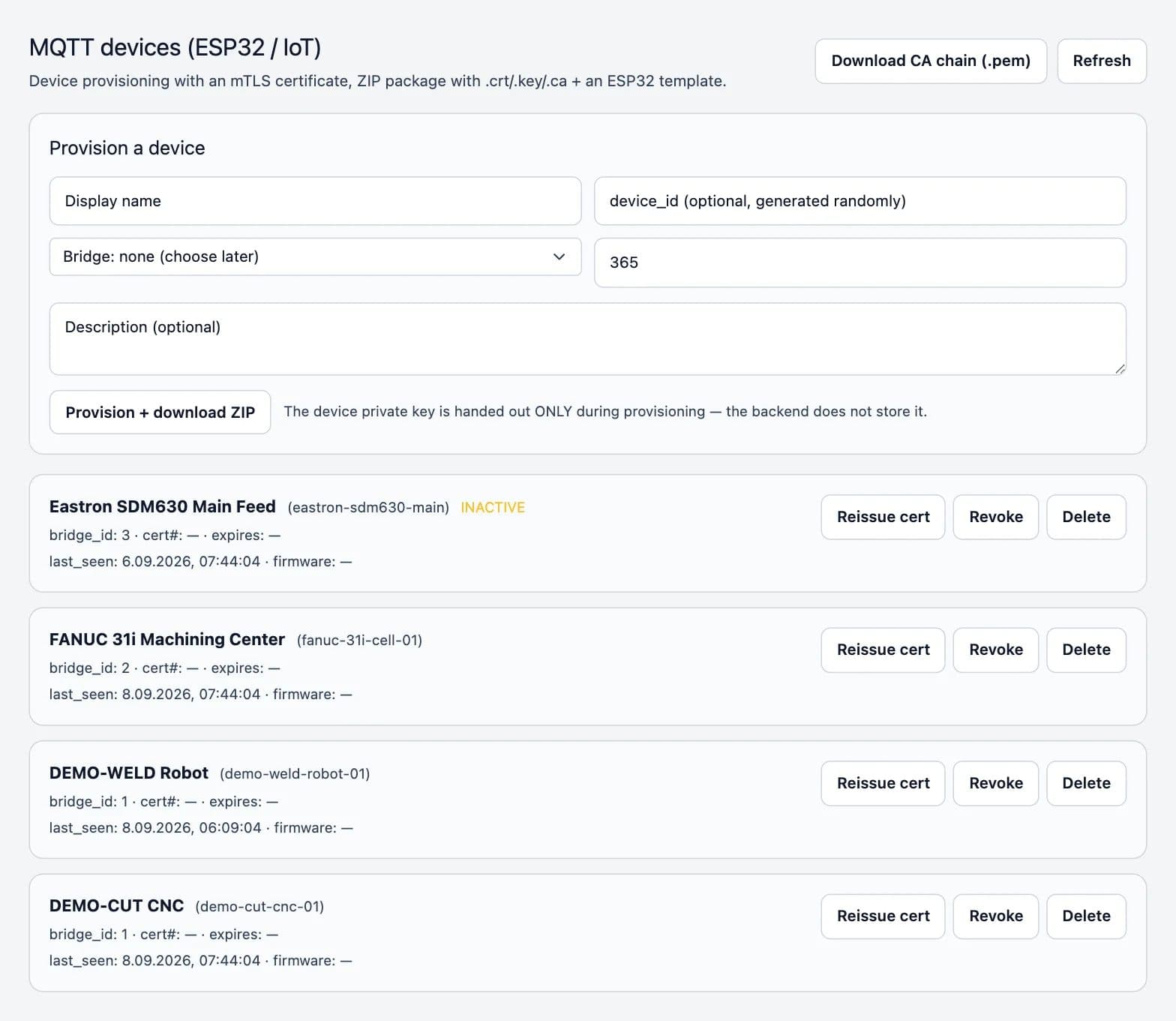
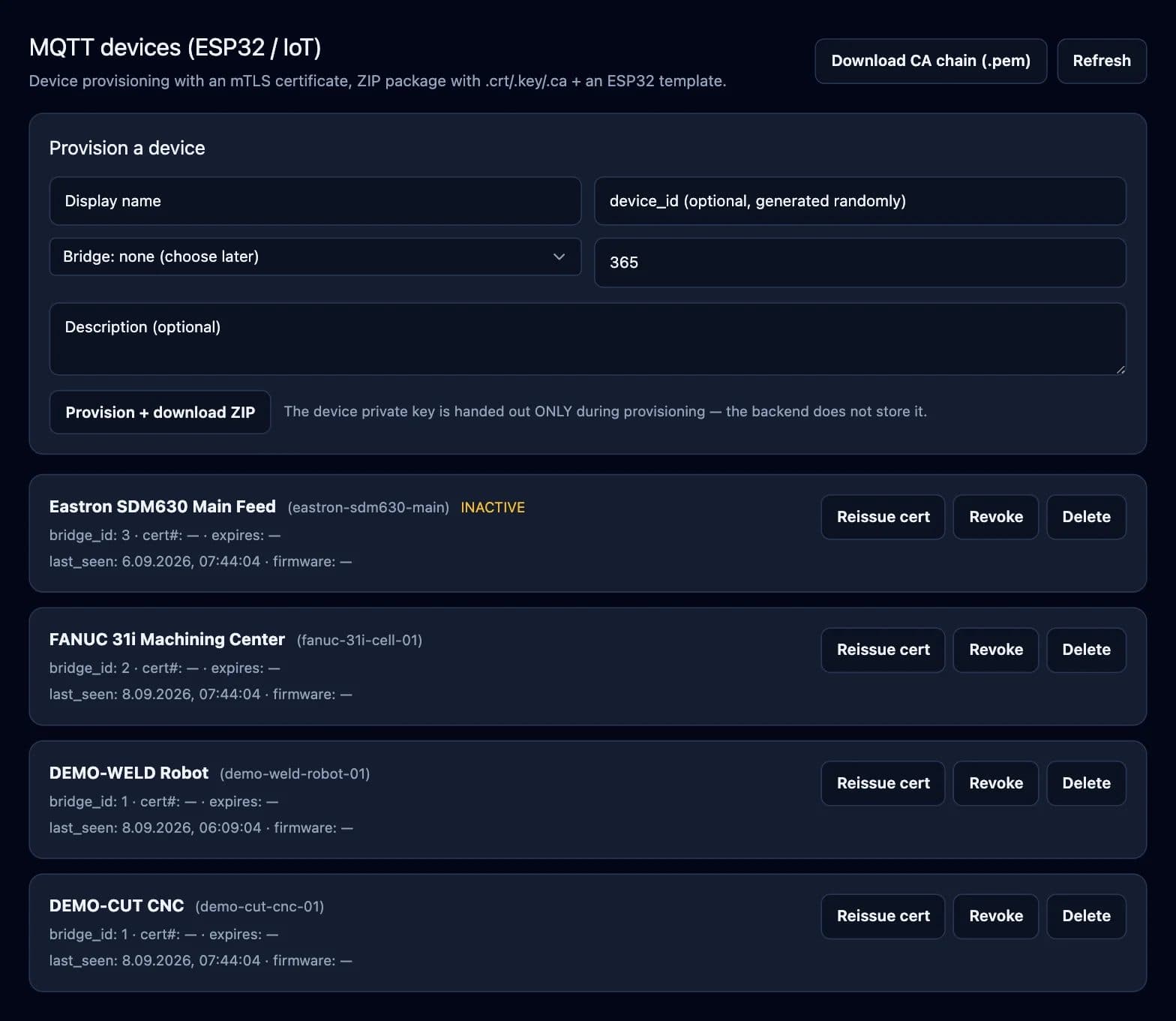
Each device is registered with a certificate from the plant's own certificate authority. The private key does not pass through the server, and a certificate can be reissued or revoked.
Last known state
The device shadow keeps the most recent state each device reported.
Firmware releases
Firmware files are uploaded and released to devices from the same place.
HOW IT STARTS
Connecting the first data source
- 01
List the sources
List which machines, PLC adapters, meters and brokers already publish data and which ones need a DBR77 gateway.
- 02
Connect the broker or gateway
Add the bridge, or provision the device with its certificate.
- 03
Map and check
Map topics to signals and check a sample message in the preview before the data goes to dashboards and alarms.
What Data Bridge does not do
It does not keep measurement history; that lives in machine monitoring. It is not a safety function: messages it sends to devices are an ordinary integration channel. And it needs a source that publishes data, such as a DBR77 gateway, an existing broker or an edge device.
Related parts of DBR77 IIoT
Bring your existing signals in
See the bridges and mappings in the online demo, or connect your first source in a pilot.