Machine monitoring: state and OEE of every machine, live
DBR77 IIoT keeps readings from machines and sensors as a time series, shows them on dashboards per machine and per workstation, and calculates OEE from the data instead of from a spreadsheet.
WHAT IT DOES
What you see for each machine
A dashboard for each machine
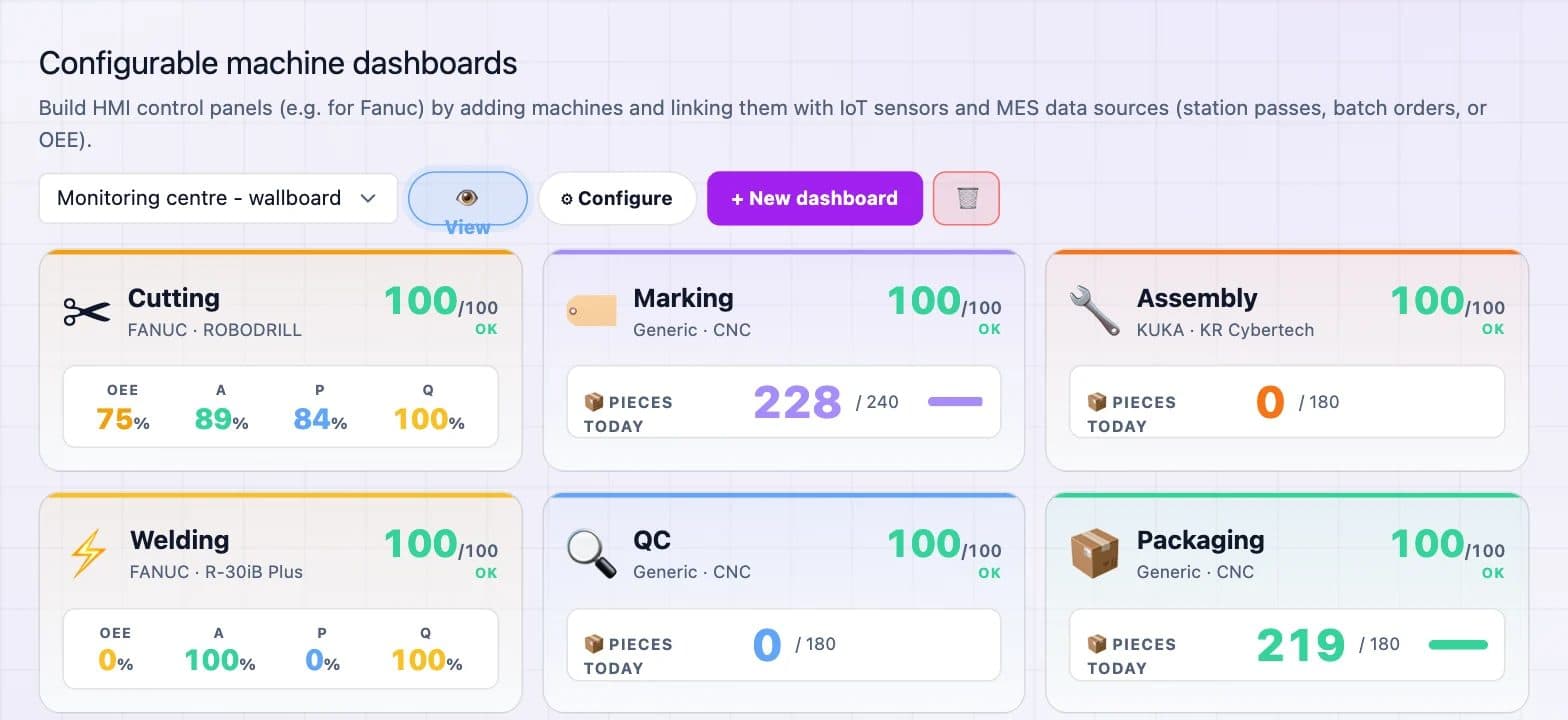
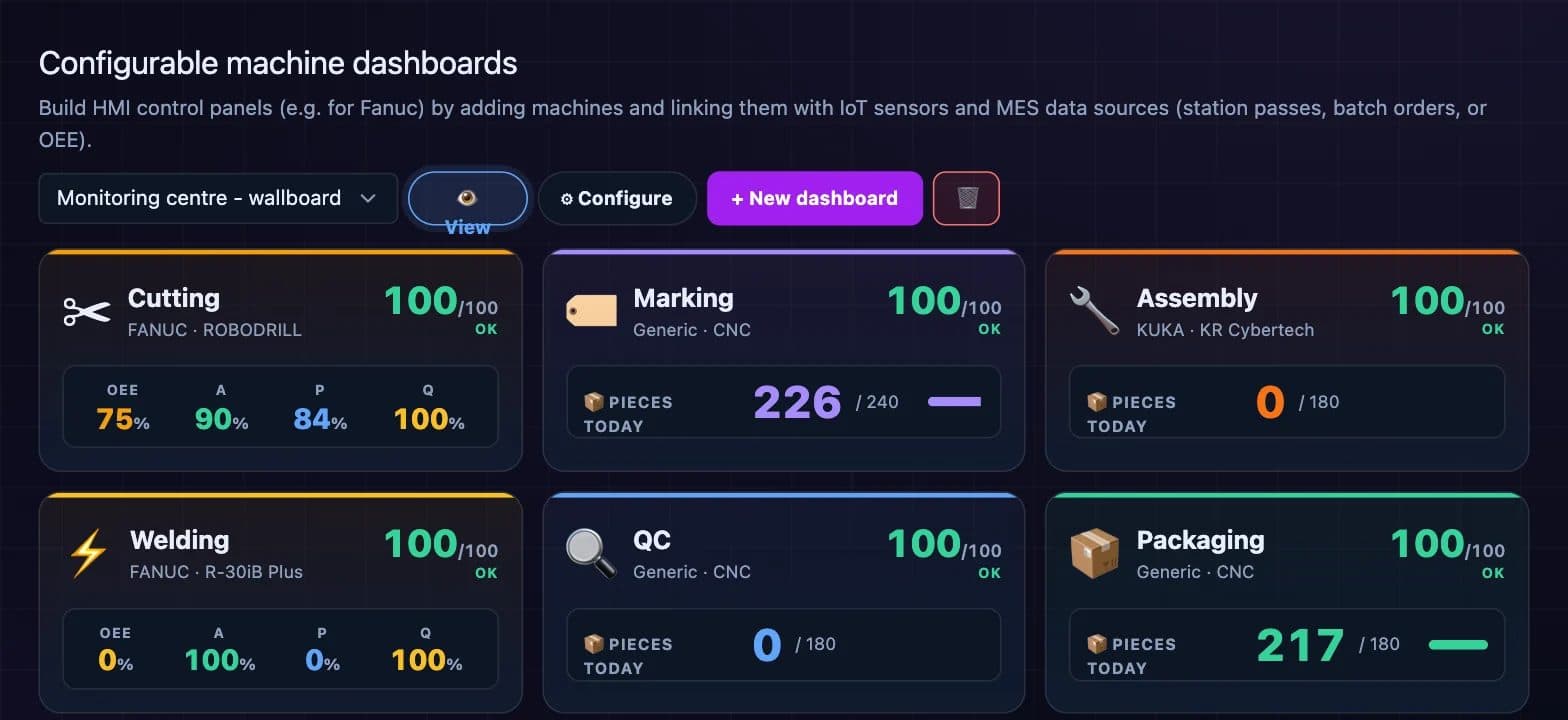
Build panels per machine or line from sensors and production data: state, OEE with availability, performance and quality, and pieces against the target.
Panels for the workstation
Operator panels come with presets per role and a kiosk mode for a screen at the line.
History of every reading
Readings are kept as a time series, with charts for any sensor and period.
Anomalies and correlations
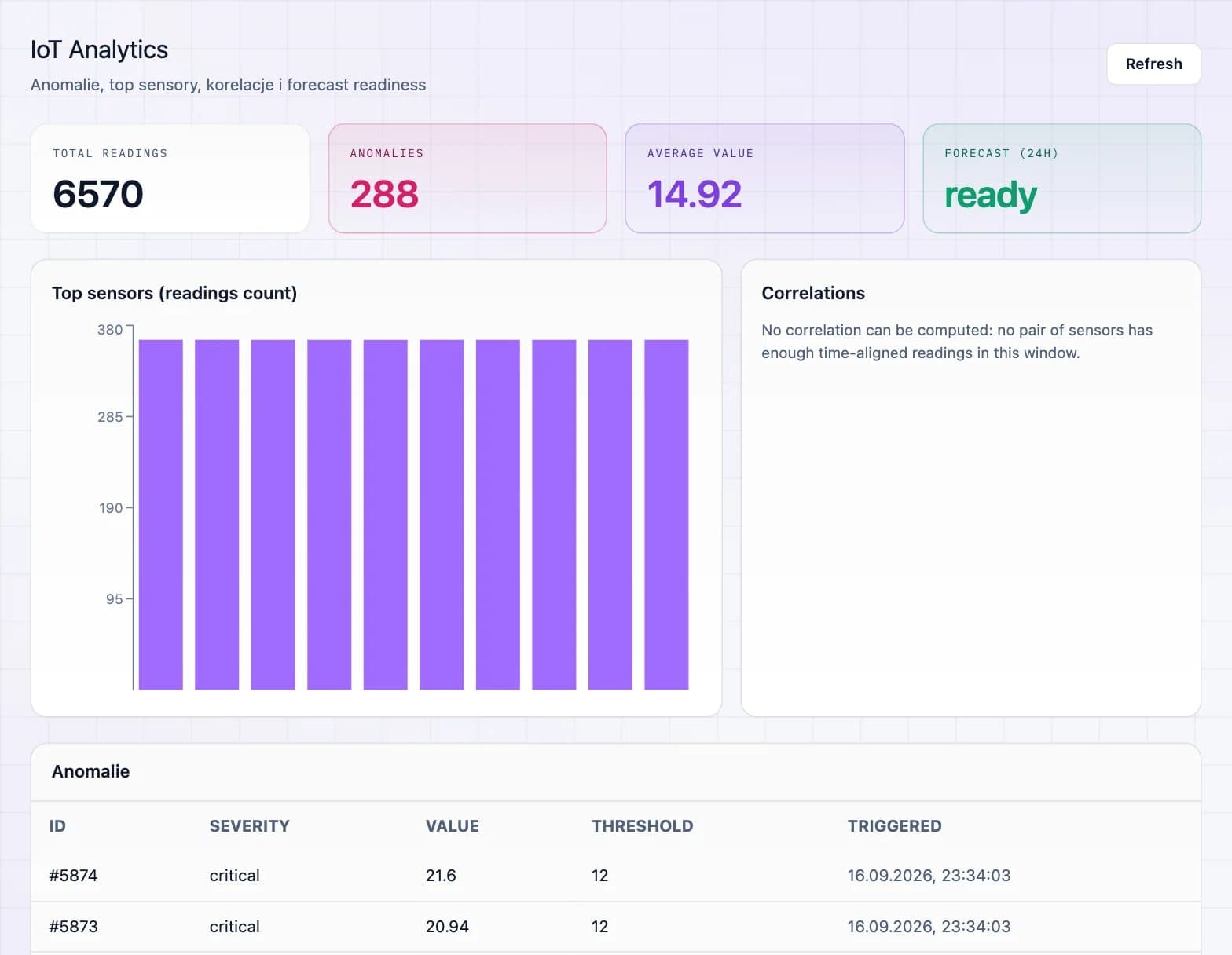
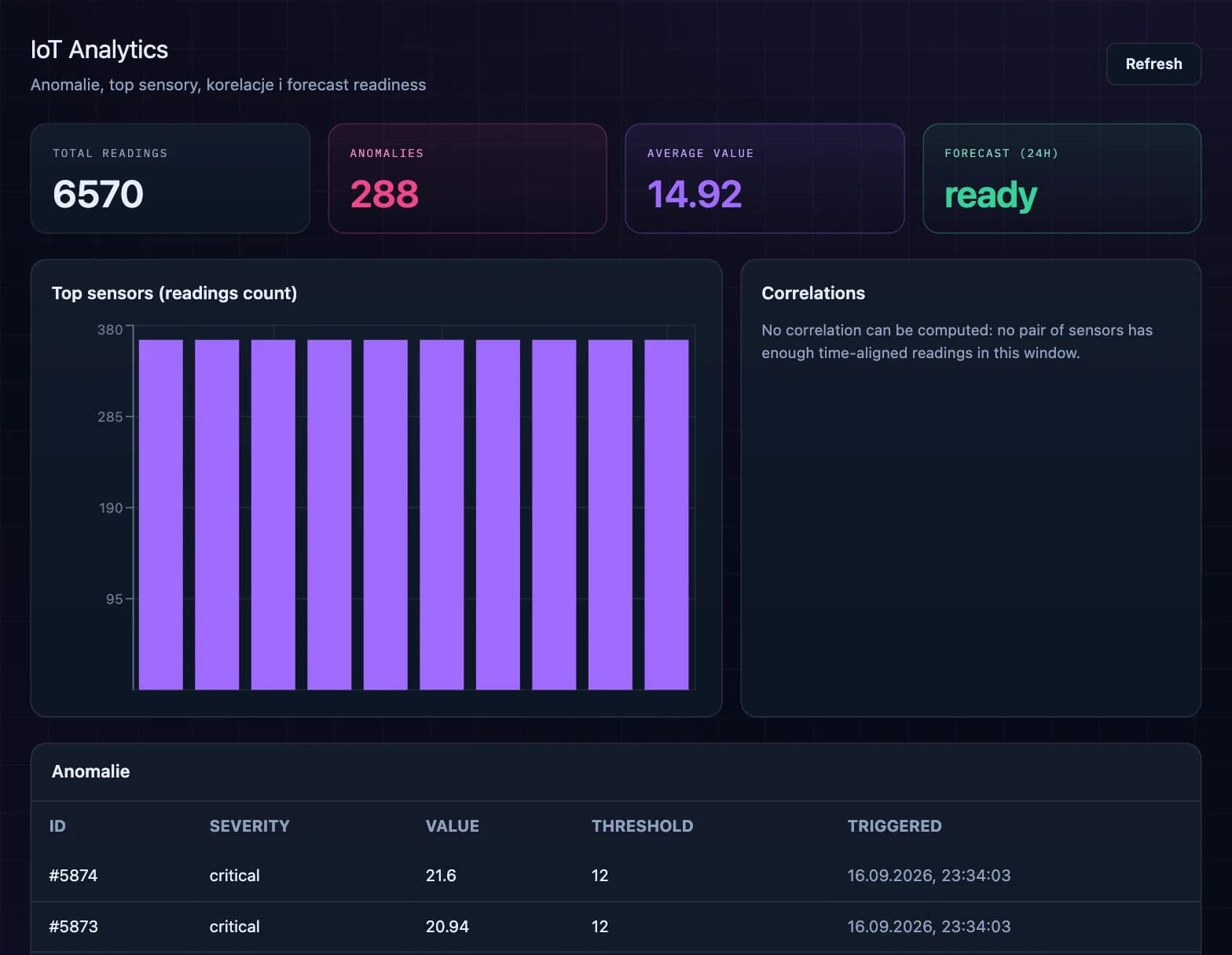
Analytics shows the busiest sensors, anomalies and correlations between signals, and builds reports.
Health score per sensor
A score from 0 to 100 based on recent readings: trend, spread, readings out of range and the hours left until the upper limit. It is statistics, not a machine learning model.
Top losses for the daily meeting
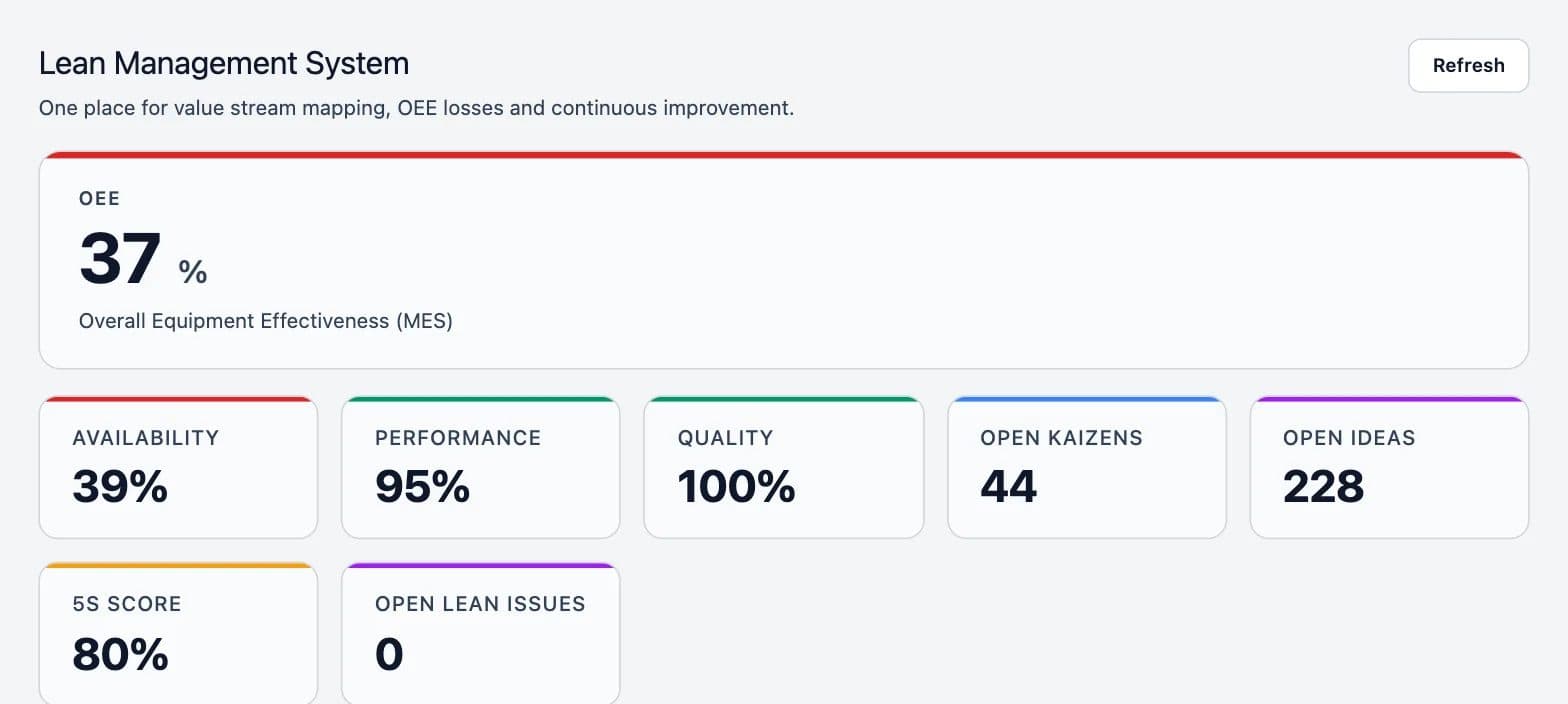
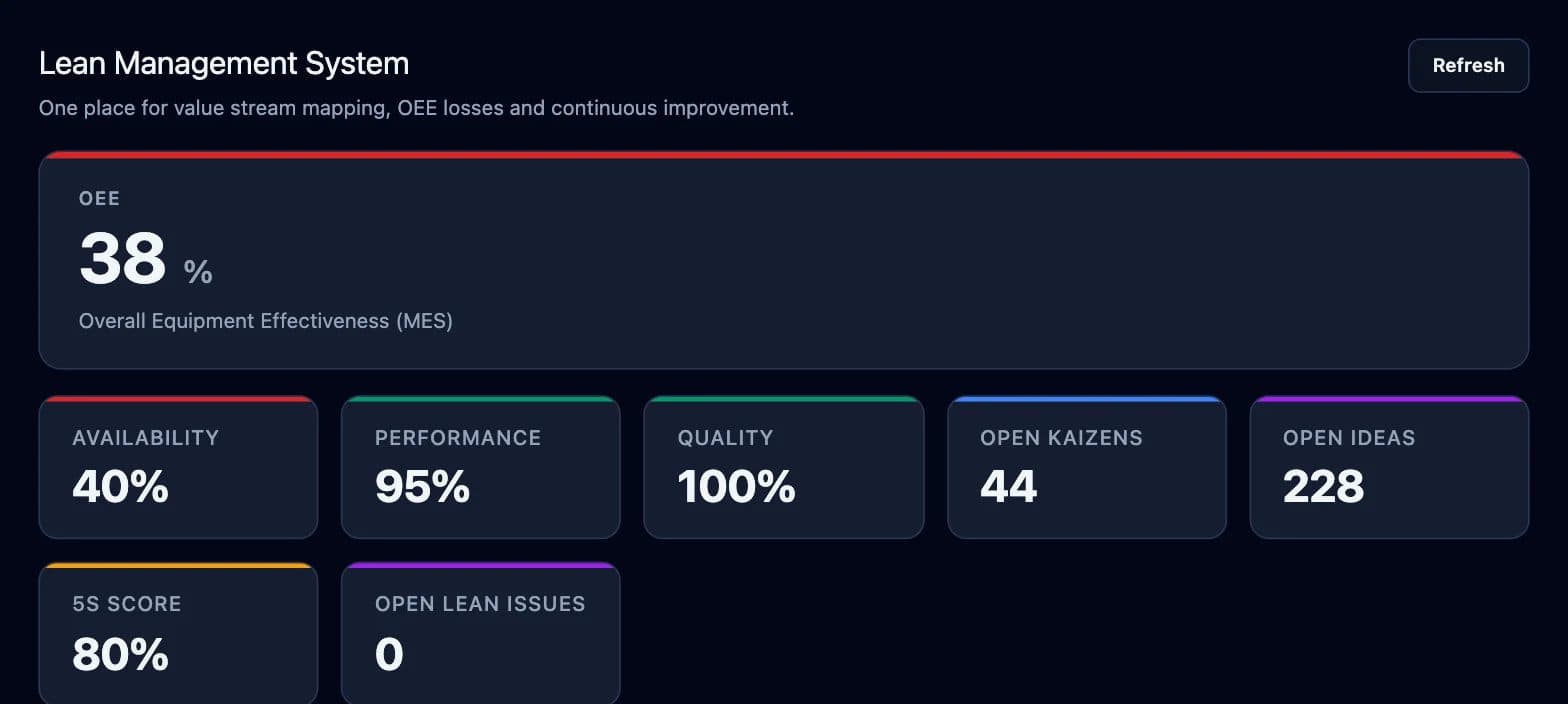
With IRIS, the Lean Management System lists the biggest losses of the last 24 hours for the morning meeting.
HOW IT STARTS
From signals to a daily review
- 01
Connect the signals
Through the MasterHub gateway, the Status Deck or Data Bridge, depending on what each machine offers.
- 02
Set up the dashboards
One panel per machine or line, with the targets the shift is measured against.
- 03
Review losses every day
Look at the biggest losses of the last 24 hours and decide who acts on each.
What monitoring does not do
Monitoring reads and alerts; it does not control the machine. Where a deployment needs commands to devices, they go through Data Bridge.
Related parts of DBR77 IIoT
See your machines live
Look at the dashboards in the online demo, or measure one line in a pilot.