Status Deck: the operator records why the machine stopped
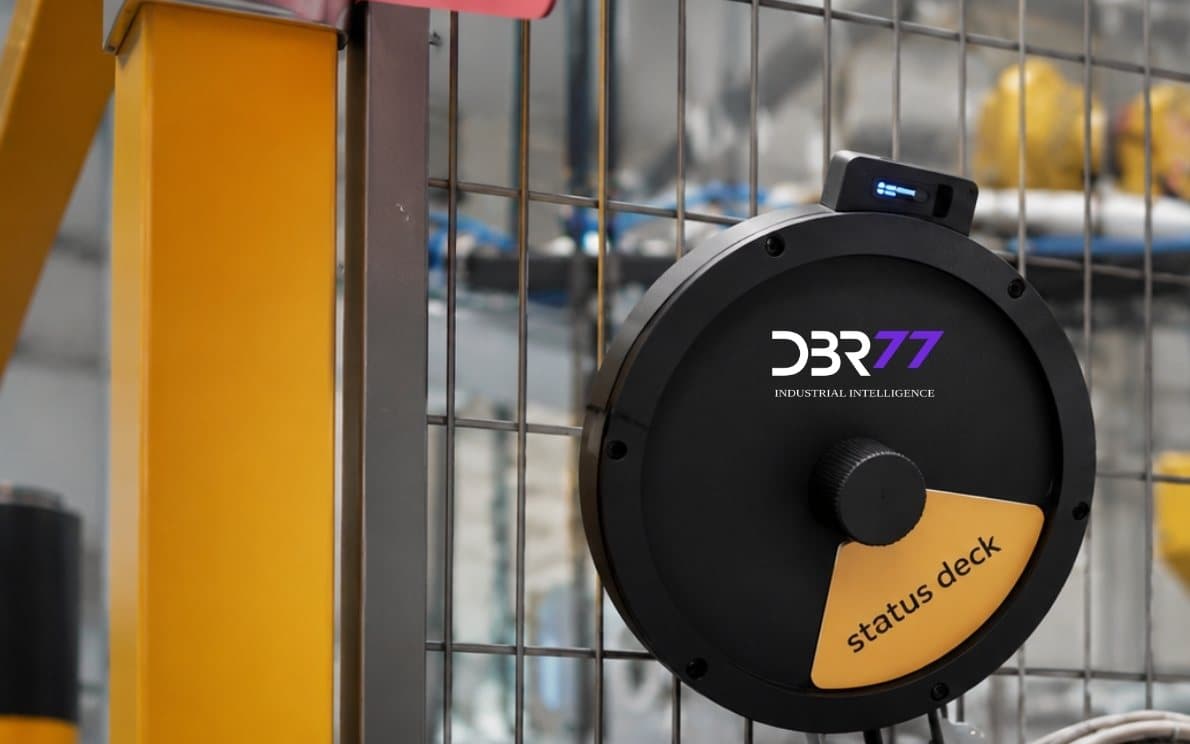
A small device at the workstation. The operator sets the state (running, break, changeover or breakdown) in about two seconds, so every stop gets a reason while people still remember it. It needs no PLC and no change to the machine.
WHAT IT DOES
Stop reasons from the person who saw the stop
Reasons at the source
The operator records the reason when the stop happens. Nobody has to rebuild it from memory at the end of the shift.
Works on old machines
The Status Deck does not read the machine controller, so it fits presses, manual stations and machines without a PLC.
Mounted at the workstation
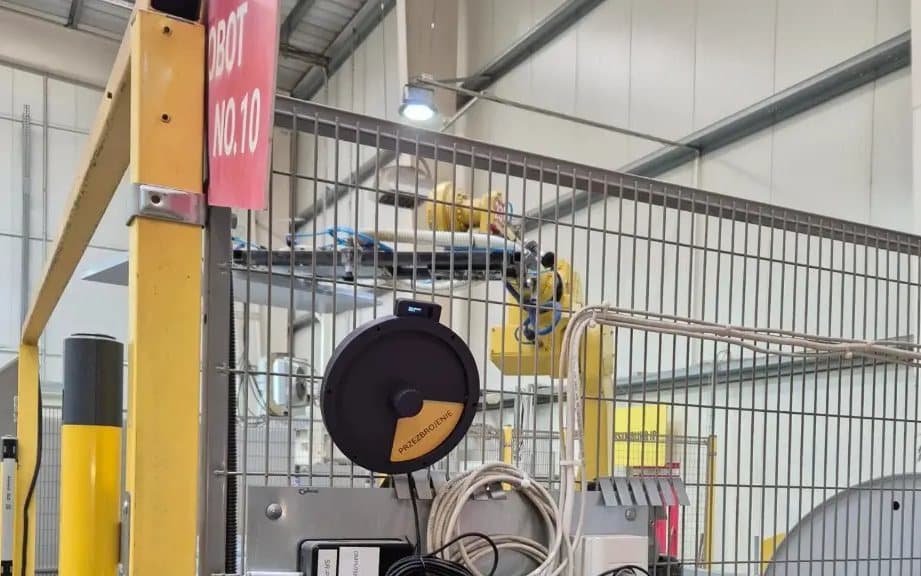
It goes on the workstation or the guard fence. The machine's control logic stays as it is.
Part of the same data
Each state change reaches DBR77 IIoT and appears on the machine dashboard next to the machine signals.
HOW IT STARTS
From the box to the first stop reasons
- 01
Mount it at the workstation
One Status Deck per machine or station, within reach of the operator.
- 02
Keep the reason list short
Running, break, changeover and breakdown are the starting set. Add a reason only when it leads to a different action.
- 03
Look at stops by reason
Stops and their reasons appear in DBR77 IIoT per machine and per shift, ready for the daily meeting.
When the Status Deck is the right start
Use it where the machine gives no usable signal, or where you need to know why it stopped. If the machine has a PLC or other readable signals, add the MasterHub gateway: the stop time then comes from the machine and the reason from the operator.
Related parts of DBR77 IIoT
Start with one line
See the Status Deck data in the online demo, or put it on 1 to 3 workstations in a pilot.