DataHub: the gateway in the control cabinet
A DIN-rail unit that collects signals from machines, meters and sensors and sends them to DBR77 IIoT. On the machine side it works with Modbus and RS-485; toward the platform it uses MQTT over Wi-Fi, LoRaWAN or LTE.
- On the DIN rail
- Modbus and RS-485
- Wi-Fi, LoRaWAN or LTE
From the box to the shop floor
A short animated film: unboxing, setup and the first result. Narration and transcript are in English.
Transcript
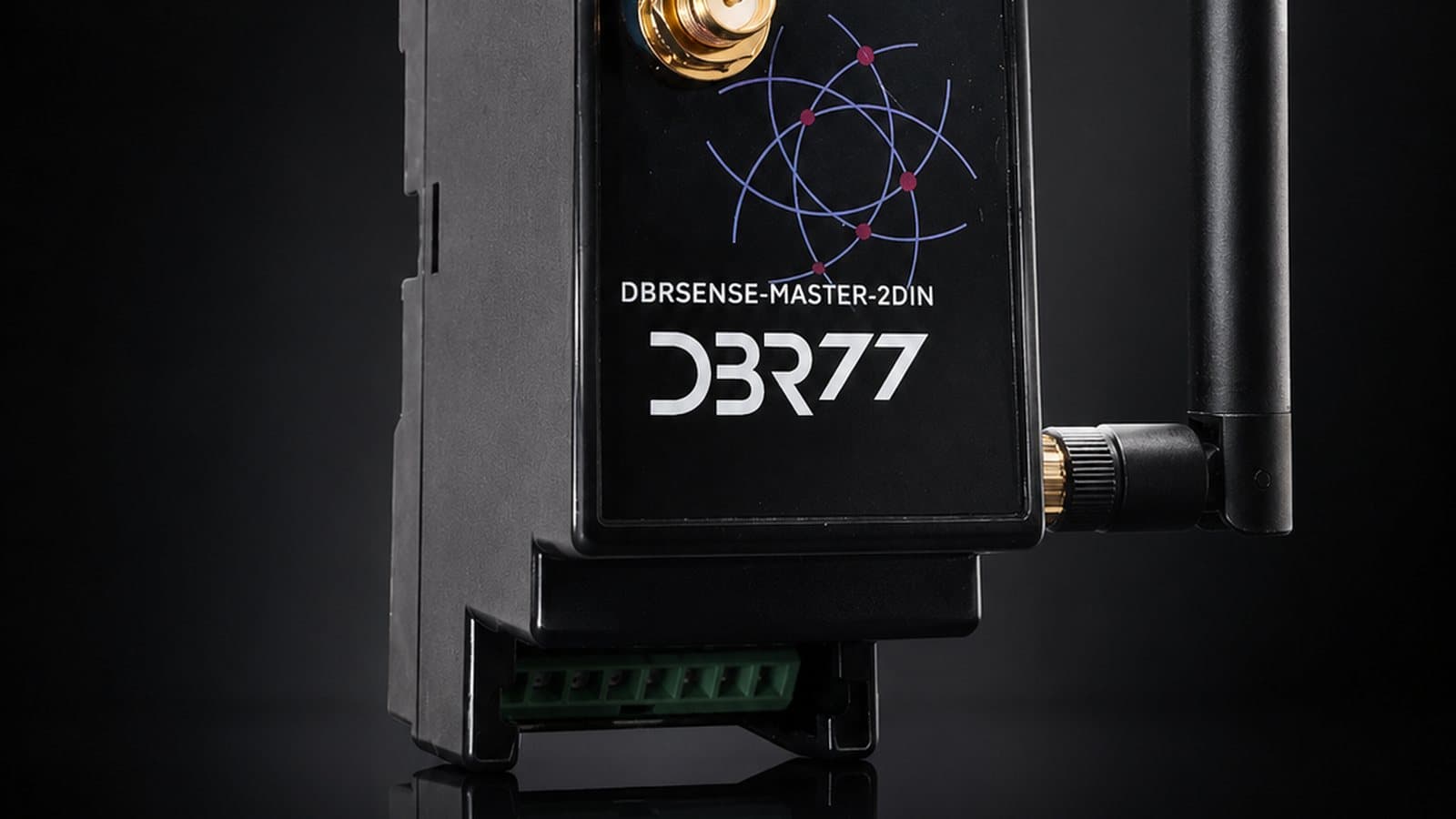
This is DataHub, the gateway for your control cabinet. Let's open the box. An antenna port, screw terminals, and a housing built for the DIN rail. Snap it onto the DIN rail, like any other cabinet component. Wire in the signals, or read them over Modbus and RS-485. Then connect it to the platform over Wi-Fi, LoRaWAN or LTE. Inside, a main board, a radio module and the terminals share one two-module housing. Power on, and the first machine data appears in DBR77 IIoT. DataHub. The gateway in the control cabinet.
Transcript
This is DataHub, the new gateway housing from DBR77. Let's open the box. A compact square case, 125 millimetres on each side and 41 high. The I/O panels are swappable, and they fit without screws. M12 connectors, USB and LAN are labelled on the lid. Inside, TPU gaskets seal the lid and the panels. Power comes in through a GX12 connector on the underside. DataHub. The gateway in the control cabinet.
One corrugated packaging line
Data from one pilot in a European plant. Client name anonymised; results differ from plant to plant.
Read the pilot storyOne gateway between the machines and the platform
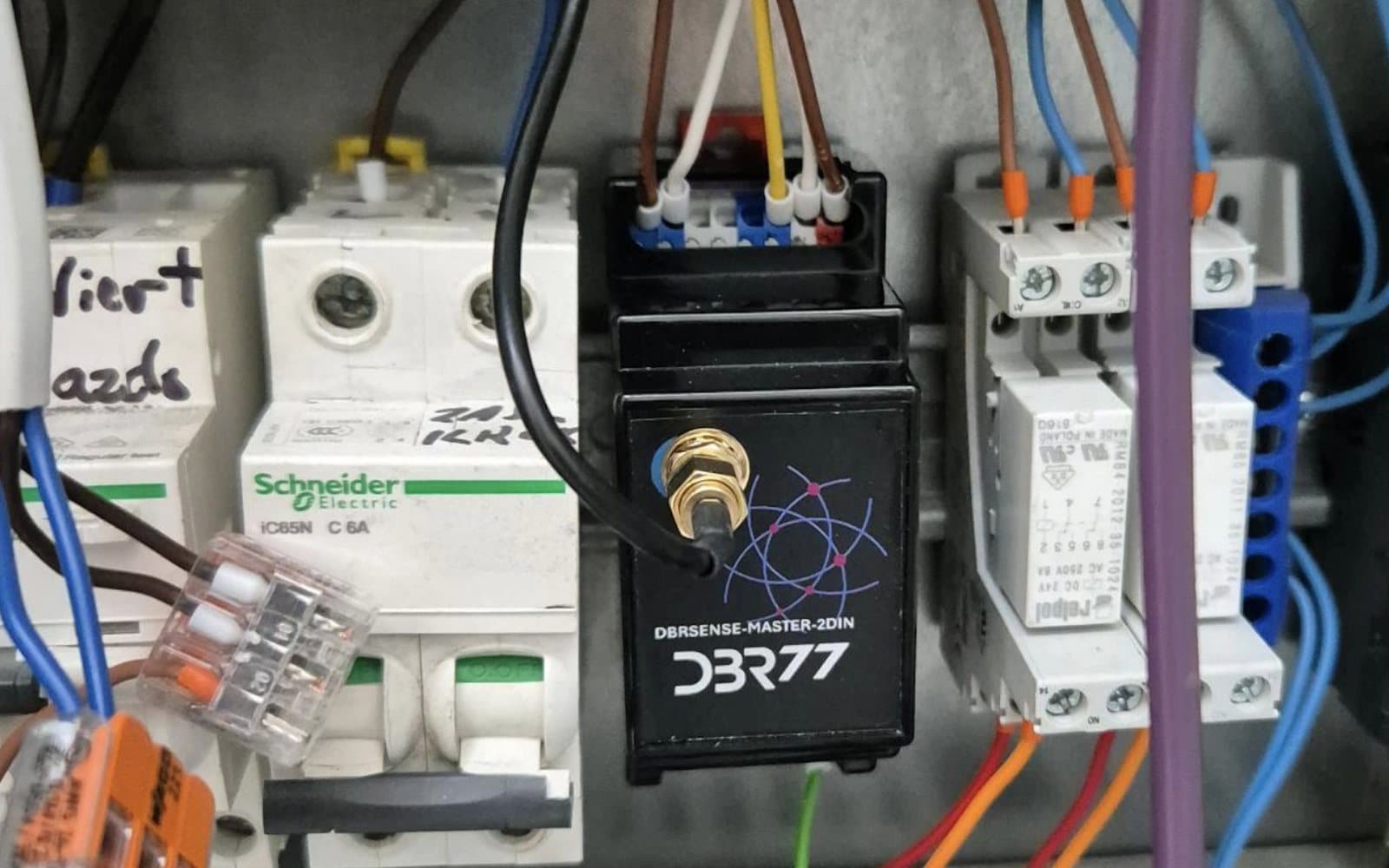
Built for the cabinet
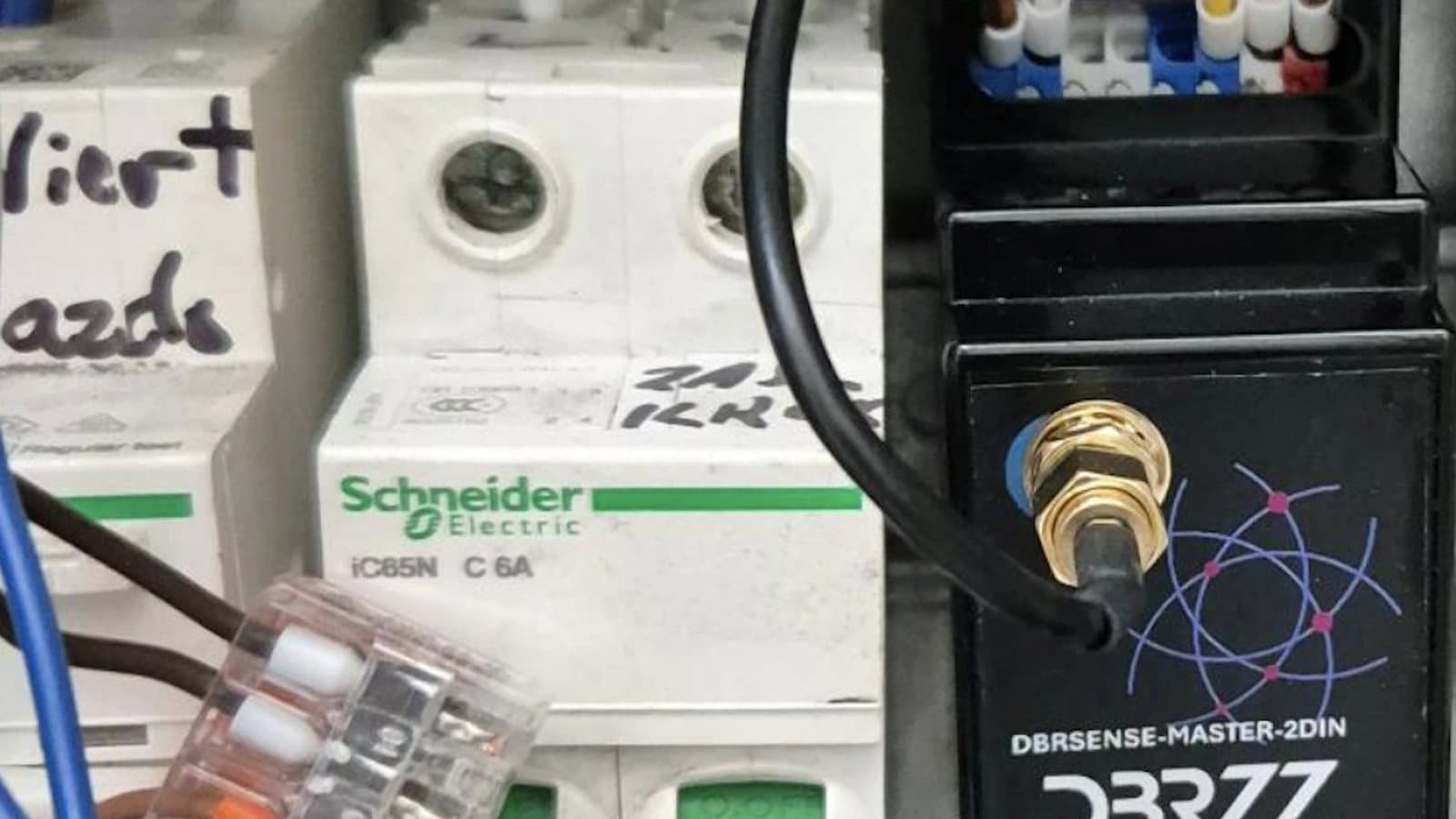
It mounts on a standard DIN rail next to breakers and relays, so electricians install it like any other cabinet component.
Reads what the machine already has
Where there is a PLC or a meter with Modbus or RS-485, the gateway reads it. On machines without a controller, a stack light tap, motor current or a cycle sensor gives state and counts.
With or without the plant network
Wi-Fi where it reaches, LoRaWAN for large halls with few access points, and LTE with a SIM card where there is no plant network.
Keeps counting during an outage
When the link drops, the device keeps counting cycles and stops and syncs when the connection returns.
Machine protocols in the MasterIn development
The Master reads data straight from controllers over Modbus TCP and RTU, OPC UA, Siemens S7, EtherNet/IP, Beckhoff ADS, Sparkplug B, MQTT and ifm IO-Link, with no extra gateway and no PC next to the machine. It is read only: nothing is written to the controller. The device has its own certificate, renewed and revocable from IRIS, a buffer for network loss and signed updates.
See it in action
Short films on sample data from the demo. Narration and transcripts are in English.
Transcript
Your machine has the data. Getting it out is the hard part. DataHub is a gateway that mounts on the DIN rail in the control cabinet. An electrician installs it like any other cabinet component, and the machine's control logic stays as it is. It reads signals over Modbus and RS-485, and on machines without a controller it uses a stack light tap, motor current or a cycle sensor. It sends readings to DBR77 IIoT over Wi-Fi, LoRaWAN or LTE, so the plant network is not required. When the link drops, it keeps counting cycles and stops, and syncs when the connection returns. Each signal gets a name and a unit, so a register number becomes spindle load. See what your machines can tell you in the online demo, or plan a pilot on one line.
Three steps to the first machine data
Click a point on the drawing or an item in the list.
DataHub EXT V2.0: the new housing
Animated films of the new DataHub housing, in development. Narration and transcripts are in English.
Transcript
Your machine has the data. Getting it out is the hard part. DataHub is a gateway that reads signals from your machines and sends them to DBR77 IIoT. It comes in a compact housing, 125 millimetres square, with TPU gaskets. Swappable I/O panels carry M12 connectors, USB and LAN, and the machine's control logic stays as it is. Power comes in through a GX12 connector, and the housing comes in black or olive. Each signal gets a name and a unit, so a register number becomes spindle load. See what your machines can tell you in the online demo, or plan a pilot on one line.
Transcript
No narration. The film shows DataHub EXT V2.0 in 3D: a compact housing of 125 by 125 by 41 millimetres, swappable I/O panels with M12 connectors, USB and LAN, TPU gaskets between the lid, the body and the panels, black and olive finishes, and a GX12 power connector on the underside.
What to know before installation
The essentials for electricians, maintenance and purchasing.
| Mounting | Standard DIN rail in the control cabinet, next to breakers and relays |
|---|---|
| Installed by | An electrician, like any other cabinet component |
| Machine side | Modbus and RS-485. Without a controller: a stack light tap, motor current or a cycle sensor |
| Platform side | MQTT over Wi-Fi, LoRaWAN or LTE with a SIM card |
| Plant network | Not required. LTE with a SIM card works where there is no plant network |
| When the link drops | The device keeps counting cycles and machine stops, and it syncs the data when the connection returns |
| Changes to the machine | None. The machine's control logic stays as it is |
| Signal names | Each signal gets a name and a unit in DBR77 IIoT |
| Stop reason | Comes from a Status Deck or the operator app, because no signal tells you that a machine is waiting for material |
| Marking | CE. DBR77 IIoT devices have passed independent EMC testing. EMC testing statement |
When DataHub is enough, and when to add more
The machine or meter has signals worth reading
DataHub reads a PLC or a meter over Modbus or RS-485. On a machine without a controller, a stack light tap, motor current or a cycle sensor gives the state and the counts. The machine's control logic stays as it is.
You also need to know why the machine stopped
No signal tells you that a machine is waiting for material. DataHub gives the stop time, and the operator adds the reason on a Status Deck or in the operator app.
See the Status DeckWhat DataHub does not do
It does not change the machine's control logic, and it cannot tell why a machine stopped. It also does not look at the machine: checks that need a picture, such as a missing part, are done by Vision AI.
See Vision AIWill my machine connect?
Tell us the machine type and its controller. Our team checks what data the machine can provide and replies by email.
Common questions about DataHub
What is DataHub?
Which signals can DataHub read?
Does DataHub need the plant network?
What happens when the connection drops?
Who installs DataHub?
How do I get the reason for a stop?
Three ways to take the first step
Online demo
The DBR77 IIoT panel on sample data: machine states, OEE, alarms and energy.
See the demoPilot
1–3 workstations or one line, on your own data. It ends with a report and a recommendation for the next step.
Plan a pilotDowntime cost calculator
Work out what unplanned downtime costs you per year and how much a smaller share of it is worth.
CalculateRelated parts of DBR77 IIoT
Connecting machines (Data Bridge)
MQTT bridges, signal mappings and a certificate for every device.
Learn more HardwareStatus Deck
The operator records why the machine stopped, in about two seconds.
Learn more SoftwareSecurity
Device certificates, encrypted transport, roles and NIS2 records.
Learn moreFrom the knowledge base
Browse all articles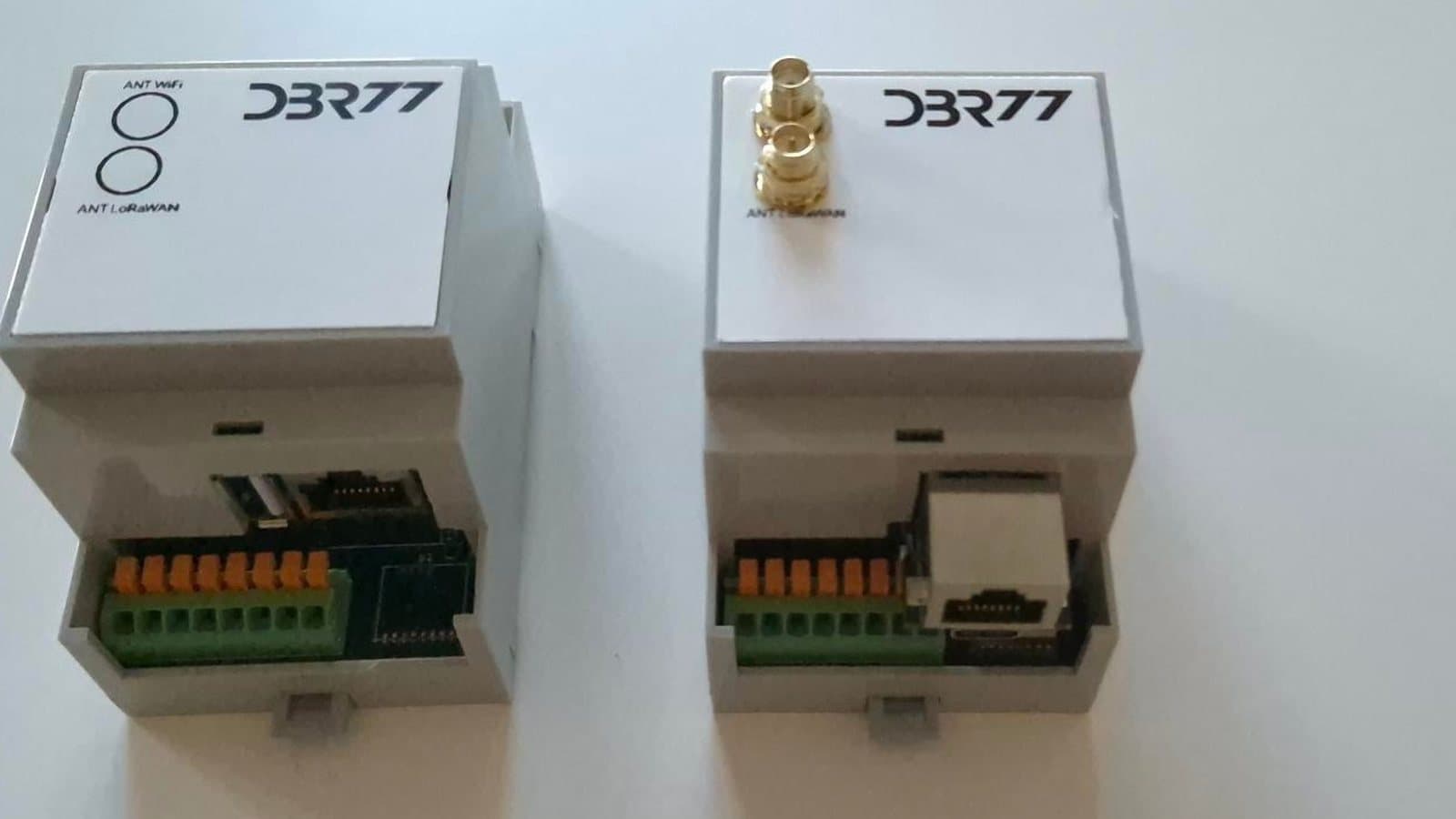
Find out what your machines can tell you
In a pilot we connect 1 to 3 workstations or one line and show what data you get from them.